
360 Mobile Vision (a Subsidiary of 360 Technology Group LLC) provides Verkada access control installation, repair, reseller and maintenance services with installation, repair, dealer and reseller support, software help, upgrades and long-term maintenance for commercial, multifamily, industrial, education and enterprise environments.
We install, repair, resell and maintain Verkada access control, including controllers, readers, credentials, wireless locks, Access Station Pro and the Verkada Command platform. We support new deployments, phased migrations and existing Verkada systems that need service, expansion or software help.
Verkada access-control services
- Verkada access-control installation for doors, gates, elevators and multi-site facilities
- Repair of Verkada controllers, readers, credentials, wireless locks and associated door hardware
- Dealer and reseller support for Verkada hardware, software and expansion planning
- Maintenance and takeover support for existing Verkada access-control systems
- Verkada Command user management, alerting, credential and policy support
- Phased migration from older controller and reader environments into Verkada
Verkada access-control overview
Hybrid cloud access control
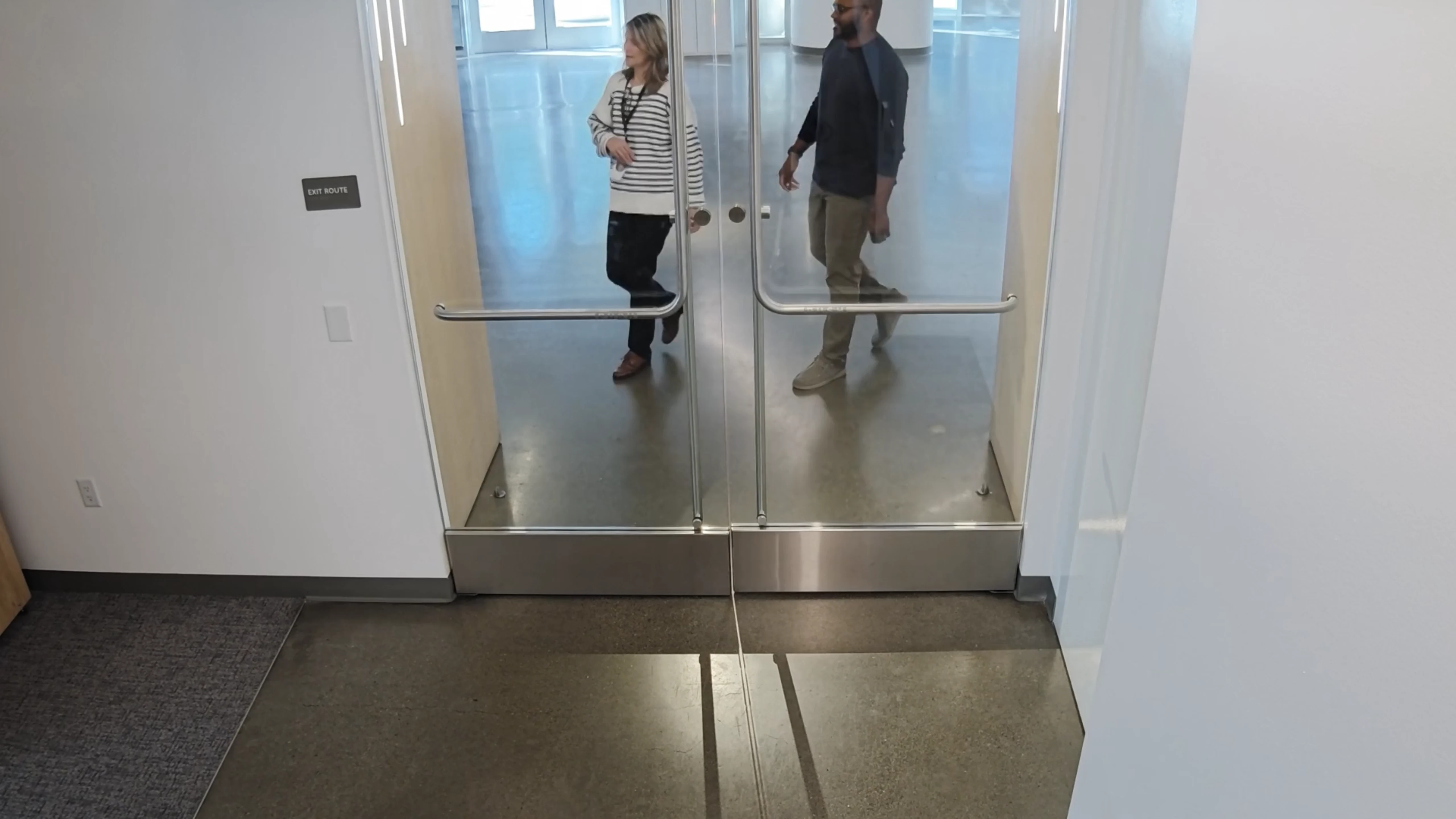
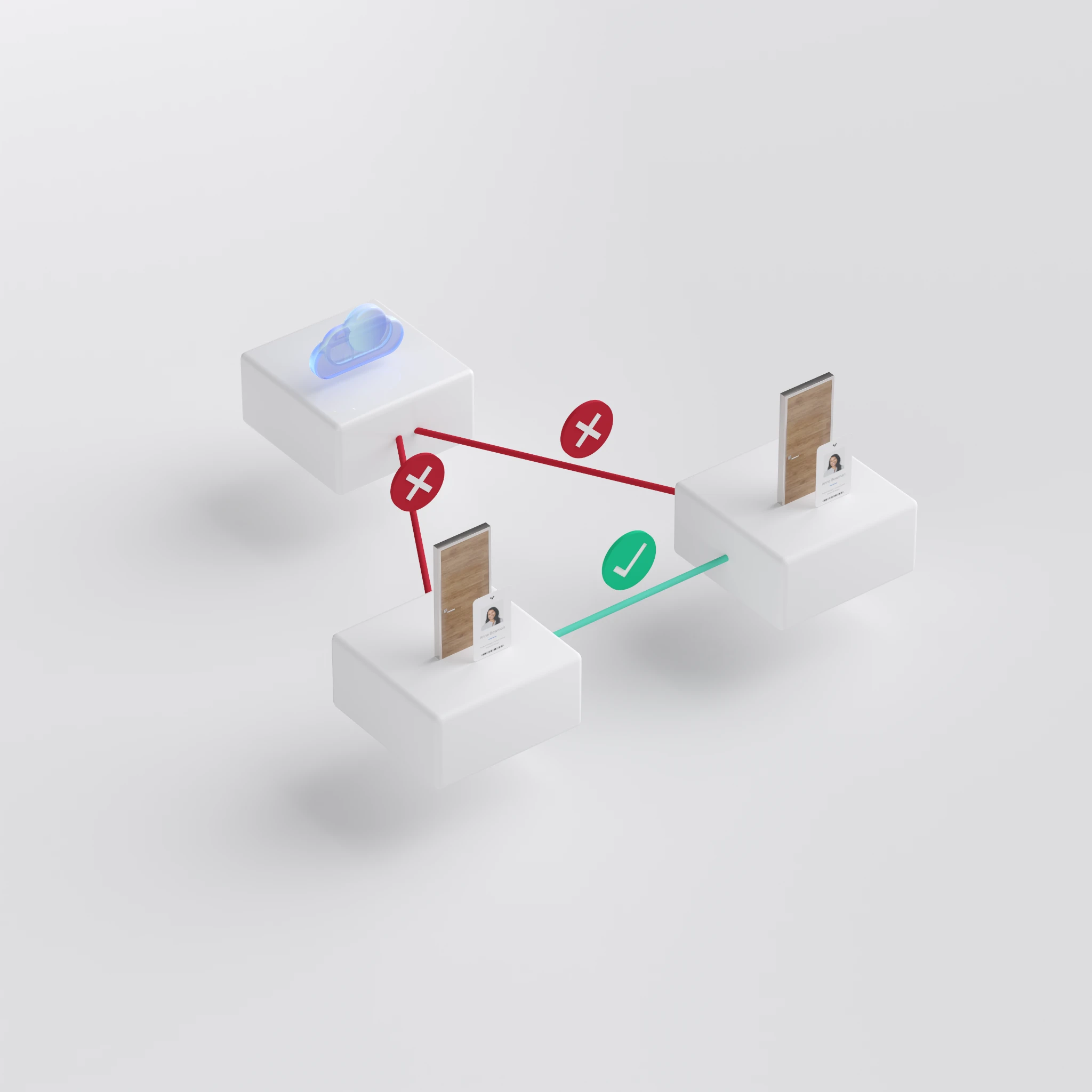
On the official Verkada Access Control page, Verkada describes its platform as hybrid cloud access control designed to strengthen security, maximize visibility and streamline management. Verkada specifically emphasizes zero servers, remote management from web and mobile, continued operation during network outages through local processing and cross-device communication, and easy scaling whether a customer has 10 doors or 10,000. These points matter because they speak directly to installation complexity, reliability and long-term manageability.
Command platform, integrations and automation
Verkada also highlights built-in integrations with video, visitor management and alarms, along with SCIM, SSO, APIs and compatibility with existing tools. That matters for customers who want access control integrated into the broader security and identity environment rather than run as a standalone silo.
Controllers and field hardware
Access controllers
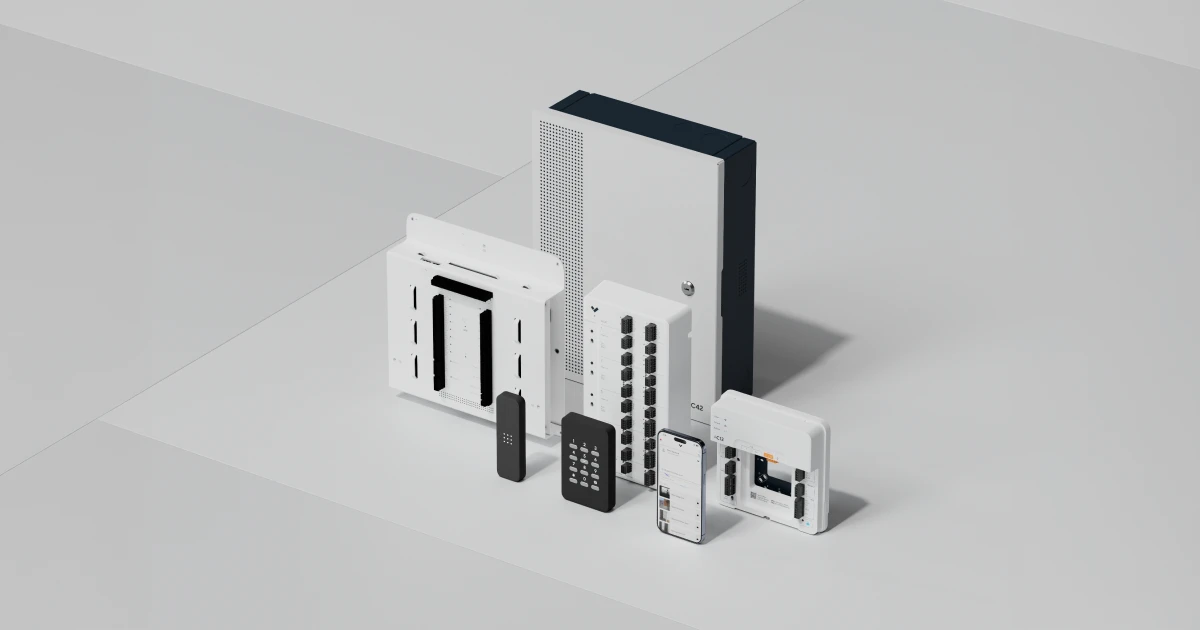
The official Verkada Access Controllers page lists the AC12, AC42, AC62 and AX11 controller families. Verkada describes these products as cloud-managed, easy to install, easy to scale and built for compatibility with third-party door hardware and peripherals.
Verkada’s model details matter in practice: the AC12 is a one-door PoE-powered controller, the AC42 supports four doors, the AC62 supports sixteen doors and the AX11 is an IO and elevator-focused controller with 16 inputs, 16 outputs and 2 readers. Verkada also states a 10-year warranty across these models. This makes the platform relevant across both single-door and large multi-door deployments.
Door readers, credentials and wireless locks
The official Access Control overview page highlights door readers, access credentials and wireless locks as core parts of the product family. Verkada also emphasizes compatibility with existing readers and keycards so migrations can be phased rather than forced into all-at-once replacement. That flexibility matters on real retrofit jobs where every reader and every credential does not change on day one.

Access Station Pro
Verkada also offers Access Station Pro, a facial-recognition-oriented access device positioned for higher-convenience and identity-driven entry workflows. On the official page, Verkada notes that the AF64 can use its built-in controller or connect to Verkada controllers. That makes it relevant on sites that want identity-rich entry experiences while staying inside the larger Verkada ecosystem.
Why customers choose Verkada access control
Verkada access control is strongest where customers want simplified infrastructure, cloud-based visibility, native integration to video and visitor workflows and cleaner multi-site operations. It is also attractive when a customer wants to keep some existing reader or credential hardware during migration rather than replace everything immediately.
Support for existing Verkada access-control systems
Existing Verkada access-control deployments often need controller expansion, reader replacement, policy cleanup, credential changes, software tuning and integration support. 360 Mobile Vision provides that installation, repair, reseller and maintenance support so customers can move from product research directly into service with us.
Need product sales, installation, repair or maintenance? Contact 360 Mobile Vision at 866-625-1977.
Need deeper technical and product detail? Visit our Verkada Access Control Product Guide: Controllers, Readers, Credentials and Cloud Management.
Verkada access control owner and buyer resources
Carolina clients can use these resources to prepare for a Verkada deployment, expansion or service visit while keeping local site conditions central to the final design.
Discuss Verkada installation or service
Detailed guides are maintained by 360TechnologyGroup.com, the parent-company knowledge center.
What cloud access control actually changes
Verkada access control puts the door system in a browser instead of on a server in a cupboard. The controller still sits at the door and still needs power, a lock and a reader. What goes away is the access server nobody was backing up, and the site visit needed to add one person.
For a business with a few sites and no IT department, that is the entire argument. You add a starter from your phone, and you remove a leaver the same way.
Credential management without the paperwork
Credential management sounds like an enterprise phrase. In practice it is the answer to three ordinary questions:
- How does a new person get in on Monday? A mobile credential sent to their phone, or a card if they would rather. No waiting for a printer.
- How do we stop someone getting in? Revoke it. It stops immediately, and you do not have to hope they hand the fob back.
- How do we let a contractor in on Thursday only? A pass with an expiry, which closes itself. This is the one that saves you, because nobody ever remembers to cancel access manually.
Every entry and every refusal is logged against a person and a time, which is what you actually need when something goes missing.
Working with a Verkada access control company
Verkada is only sold through certified partners, so whoever installs it is part of what you buy. We survey the doors, fit the hardware, run the cable, commission the system and set up your users — and we tell you plainly that the license is a recurring cost, because that is the part people are surprised by later. See how it pairs with cloud cameras or Verkada intercom.
Authorized · Certified · Carolinas
Authorized Verkada dealer, certified installer and integrator
360 Mobile Vision sells, installs, programs and services Verkada for businesses across North and South Carolina — cloud cameras with edge recording, door controllers, intercoms, alarms and environmental sensors. Being the authorized dealer as well as the installer is what gets you genuine equipment, a valid warranty and a manufacturer support path when something needs escalating.
- DealerWe quote and supply genuine Verkada equipment, licensing and subscriptions.
- InstallerOur own technicians run the cable, mount the hardware, set the software up and test it — not a subcontractor you have never met.
- IntegratorWe make it work with the cameras, doors, network and identity systems already in the building, rather than leaving you with two systems that do not talk.
- Still here afterwardsService, repair, expansion and takeover of systems somebody else installed. Emergency support around the clock.
Official Verkada software, firmware and support
Use the manufacturer links below for current software, firmware, release notes, manuals and technical resources. 360 Mobile Vision links directly to official manufacturer portals and does not copy or host firmware files.
Before installing an update: verify the exact model, region, hardware revision, current version, required intermediate releases, licensing or support entitlement, backup and rollback plan, integrations and maintenance window. An incorrect firmware package or upgrade sequence can interrupt service, invalidate compatibility or prevent a downgrade. Coordinate updates for monitored, life-safety-adjacent or business-critical systems with the system administrator and an authorized specialist.
Some resources require a customer, dealer, certified-technician or active-support login. Cloud-managed products may update automatically and may not provide a public firmware file.
Related services, products and planning guides
Property Management
Use the Property Management guide to compare compatible equipment, integrations, deployment choices and lifecycle responsibilities related to this project.
Retail
Use the Retail guide to compare compatible equipment, integrations, deployment choices and lifecycle responsibilities related to this project.
School
Use the School guide to compare compatible equipment, integrations, deployment choices and lifecycle responsibilities related to this project.
Contact 360 Mobile Vision
Use the Contact 360 Mobile Vision guide to compare compatible equipment, integrations, deployment choices and lifecycle responsibilities related to this project.
Verkada Alarms
Use the Verkada Alarms guide to compare compatible equipment, integrations, deployment choices and lifecycle responsibilities related to this project.