


Audio Visual Services: planning details and decision points
Planning Audio Visual Services begins with a field-verified scope. The proposal should account for existing infrastructure, required outcomes, coordination with other trades, commissioning and the information the client will need after installation.
- Scope boundaries: Separate included work, owner-furnished items, third-party responsibilities and optional improvements.
- Site readiness: Verify access, pathways, power, network service, mounting conditions and environmental limitations.
- Coordination: Identify dependencies involving construction, IT, facilities, property management and system vendors.
- Commissioning: Define functional tests, issue resolution, training and the evidence required for acceptance.
- Support: Record documentation, warranty routes, official downloads, service contacts and maintenance responsibilities.
Information that improves the proposal
Before pricing, gather available drawings, site counts, existing model numbers, known trouble areas, preferred management methods, required integrations and the people who will approve the final result. This lets the project specialist distinguish required work from options and avoids basing the design on assumptions.
Related choices on this site include Security Company home text, School. Review those guides together when the systems share cabling, identity, network or operating requirements.
From assessment to a usable handoff
A dependable Audio Visual Services scope should move through four documented stages:
- Discover: verify field conditions, users, existing assets, constraints, priorities and the desired operating result.
- Design: compare practical options, identify tradeoffs, confirm compatibility and establish a written basis of design.
- Deliver: coordinate scheduling and responsibilities, install or configure the approved scope, and record changes found in the field.
- Validate: test the agreed functions, resolve exceptions, train the responsible users and provide the final documentation.
This sequence gives the client clear review points before purchasing decisions become difficult to change. It also creates a better basis for comparing proposals: equipment, labor, subscriptions, exclusions, testing and support can be evaluated as parts of one operating plan instead of as unrelated line items.
Audio visual systems covered by this directory
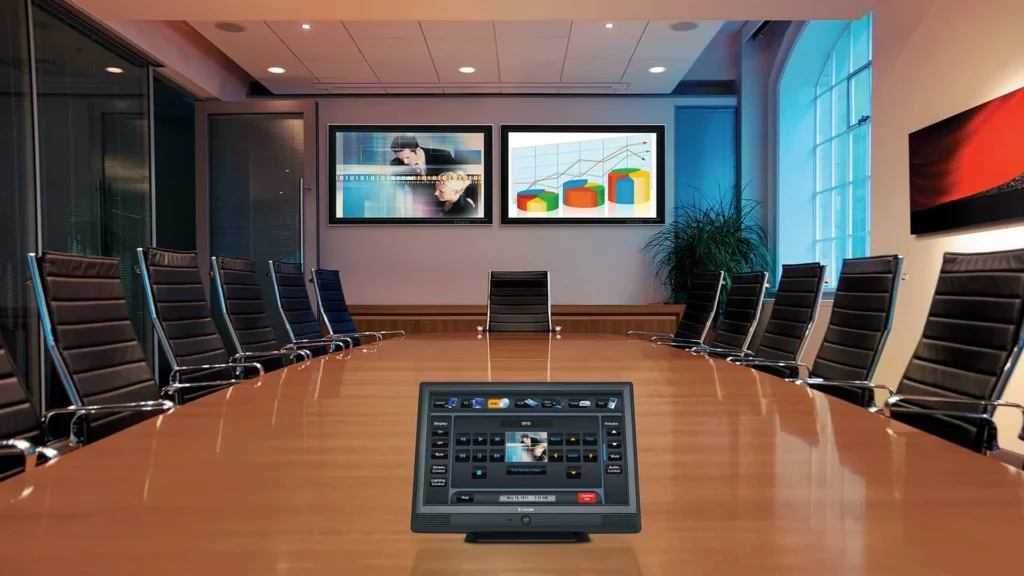
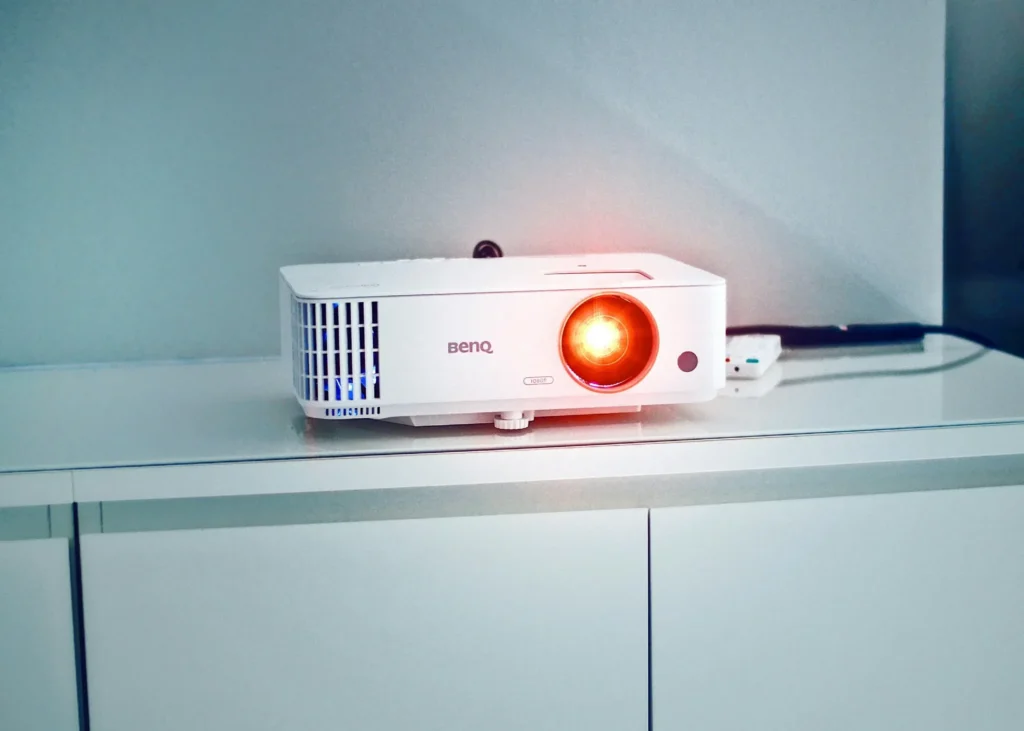
Use the service guides to compare meeting-room video conferencing, presentation displays, projector systems, digital signage, paging, distributed audio and classroom collaboration. These categories often share network, power and cable-pathway requirements, but they solve different operational problems.
A room may need speech reinforcement without conferencing, signage without interactive control, or a complete collaboration system with microphones, cameras, speakers, displays and content sharing. The design should identify which functions must work together, who operates them and how a failed component can be serviced without taking the entire room offline.
Commissioning should include real content and real users, not only confirmation that devices power on. Test microphone pickup, loudspeaker coverage, display readability, source switching, remote-call behavior, control presets and restart recovery. Record account ownership, network settings, warranty routes and the approved configuration so future service does not depend on undocumented knowledge.
Related services, products and planning guides
School
Use the School guide to compare compatible equipment, integrations, deployment choices and lifecycle responsibilities related to this project.
Contact 360 Mobile Vision
Use the Contact 360 Mobile Vision guide to compare compatible equipment, integrations, deployment choices and lifecycle responsibilities related to this project.