
North and South Carolina
Network Brands We Deploy and Support
Switching, wireless, routing, cabling and continuity hardware for the networks that security systems now depend on. Specified, installed and supported by our own technicians from offices in Charlotte and Columbia.
Security systems are network systems now
Cameras, access control panels, intercoms and alarms all sit on the network, draw power from it, and fail with it. That infrastructure was usually specified before any of them existed, which is why a camera project so often turns into a switching project.
Two things get underestimated more than anything else here. The first is the PoE budget: cameras with heaters, PTZ units and access panels can exhaust a switch that looked adequate on paper. The second is segmentation — security devices sharing a flat network with general business traffic is far cheaper to fix before installation than after.
Explore solutions and planning guides

Cisco Meraki
Cloud-managed switching, wireless and security appliances with centralized multi-site administration.

Ubiquiti
UniFi switching, wireless and gateways where a strong price-to-capability ratio matters.
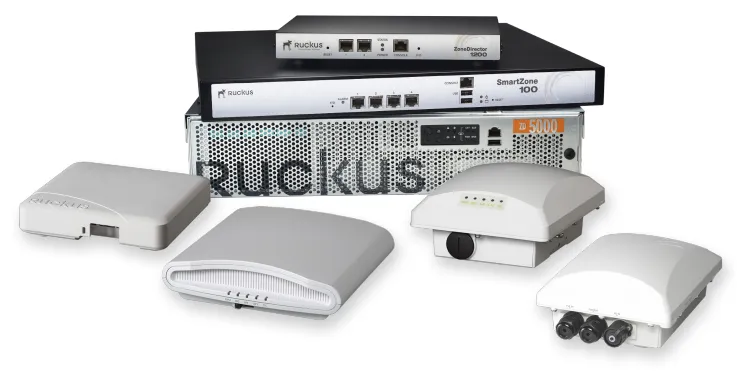
Ruckus
Wireless built for high client density and difficult radio environments.
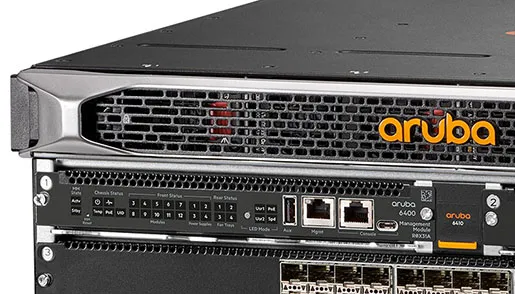
Aruba
Campus switching and wireless with role-based access policy.
Fortinet
Firewalls and secure SD-WAN where segmentation and inspection are the requirement.
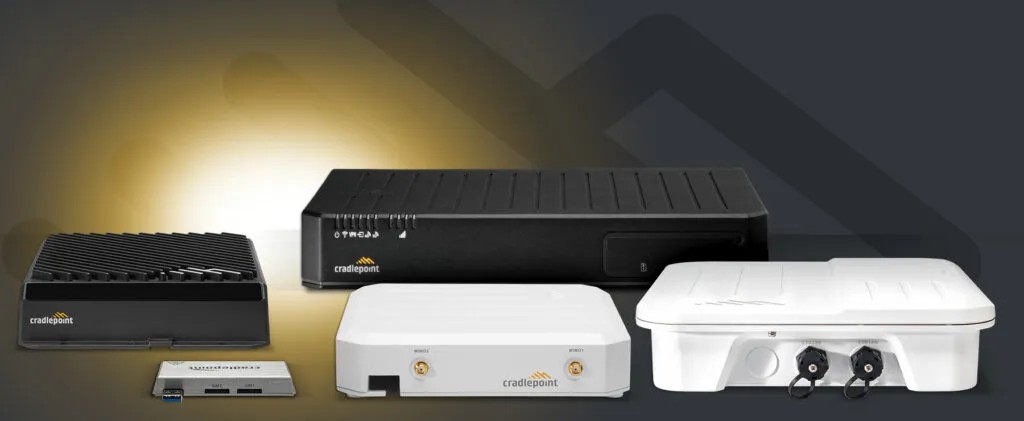
Cradlepoint
Cellular WAN for sites with no wired circuit, plus failover for those that cannot lose one.

Extreme Networks
Switching and wireless for larger campus and multi-building estates.

Datto
Backup and continuity, including recovery of the servers security systems depend on.
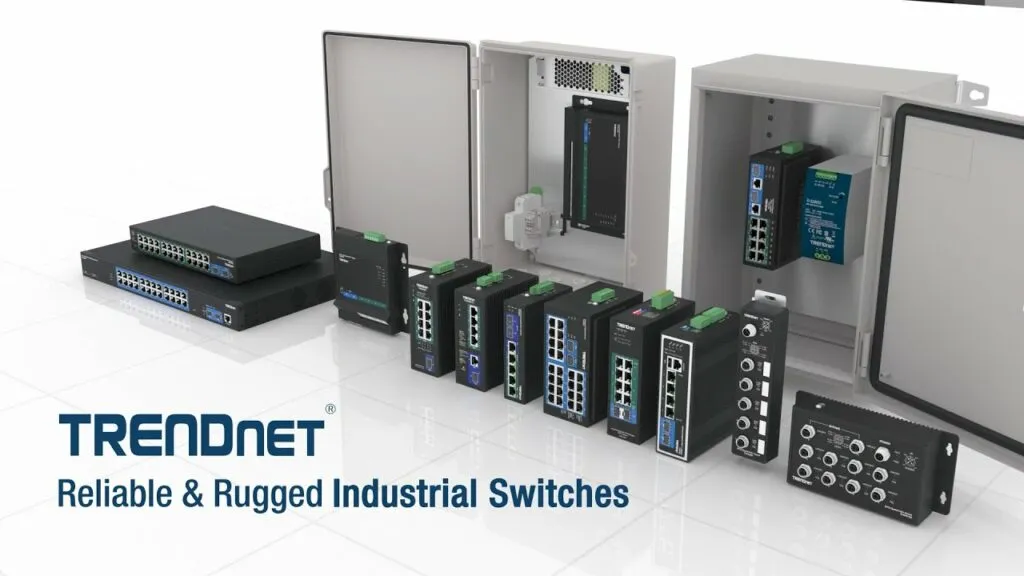
TRENDnet
Switches, media converters and PoE injectors for smaller installations.
RingCentral
Cloud phone and messaging, commonly deployed alongside the same cabling and switching.
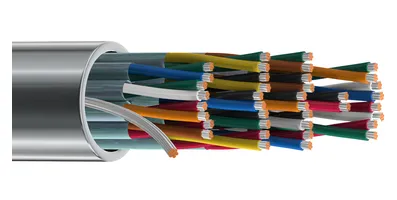
Belden
Cable and connectivity where the physical layer has to be certified and last.
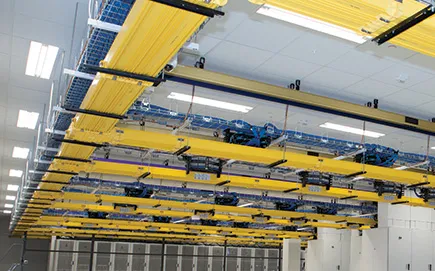
Panduit
Racks, pathways, patching and cable management for tidy, maintainable rooms.

Tripp Lite
UPS and power protection, so a brief outage does not take recording down with it.
Structured cabling
The physical layer underneath all of it, tested and certified.
Choosing network infrastructure: what actually changes the specification
How it will be managed
Cloud-managed switching and wireless reduce the on-site skill needed and make multi-site work practical. Traditional managed kit costs less to own but assumes somebody competent is available.
Power budget
PoE demand is routinely underestimated. Cameras with heaters, PTZs and access panels can exhaust a switch that looked adequate on paper.
Segmentation
Security devices should not share a flat network with general business traffic. Deciding this early is far cheaper than re-addressing a live system.
What happens in an outage
UPS, failover and how much of the system must survive a broadband failure — particularly where recording or access decisions are cloud-dependent.
Network and infrastructure brands we deploy
Security systems are network systems now. These are the switching, wireless, routing and cabling brands we build on — a camera system is only as reliable as what it is plugged into.
What we review before quoting
These are established on site first, because a number produced without them is a guess.
- Existing switching, cabling standard and how much spare capacity genuinely exists.
- Total PoE load once every planned device is counted, including growth.
- Where the equipment lives, and whether that space has adequate power, cooling and physical security.
- Internet provision and whether the design can tolerate losing it.
Plan the next step
We survey the site, set out the options against what is already installed, and put the recommendation in writing. Offices in Charlotte, North Carolina and Columbia, South Carolina.
Network Brands: planning details and decision points
Planning Network Brands begins with a field-verified scope. The proposal should account for existing infrastructure, required outcomes, coordination with other trades, commissioning and the information the client will need after installation.
- Scope boundaries: Separate included work, owner-furnished items, third-party responsibilities and optional improvements.
- Site readiness: Verify access, pathways, power, network service, mounting conditions and environmental limitations.
- Coordination: Identify dependencies involving construction, IT, facilities, property management and system vendors.
- Commissioning: Define functional tests, issue resolution, training and the evidence required for acceptance.
- Support: Record documentation, warranty routes, official downloads, service contacts and maintenance responsibilities.
Information that improves the proposal
Before pricing, gather available drawings, site counts, existing model numbers, known trouble areas, preferred management methods, required integrations and the people who will approve the final result. This lets the project specialist distinguish required work from options and avoids basing the design on assumptions.
Related choices on this site include Security Company home text, Cisco Meraki, Structured Cabling. Review those guides together when the systems share cabling, identity, network or operating requirements.
From assessment to a usable handoff
A dependable Network Brands scope should move through four documented stages:
- Discover: verify field conditions, users, existing assets, constraints, priorities and the desired operating result.
- Design: compare practical options, identify tradeoffs, confirm compatibility and establish a written basis of design.
- Deliver: coordinate scheduling and responsibilities, install or configure the approved scope, and record changes found in the field.
- Validate: test the agreed functions, resolve exceptions, train the responsible users and provide the final documentation.
This sequence gives the client clear review points before purchasing decisions become difficult to change. It also creates a better basis for comparing proposals: equipment, labor, subscriptions, exclusions, testing and support can be evaluated as parts of one operating plan instead of as unrelated line items.
How to use the manufacturer directory
The network brand guides cover several layers of an infrastructure stack: routing and switching, wireless access, security and SD-WAN, remote management, physical-layer connectivity, racks, power protection and communications platforms. A project may use one ecosystem or combine manufacturers where interoperability and support responsibilities are clear.
Compare management model, subscription terms, power budgets, supported optics, identity features, redundancy, current product lifecycle and official support resources. The preferred manufacturer should fit the operating team and the deployed environment—not only the initial hardware price.
Related services, products and planning guides
Cisco Meraki
Compare Cisco Meraki management, compatibility, licensing and product-lifecycle considerations for the design.
Contact 360 Mobile Vision
Use the Contact 360 Mobile Vision guide to compare compatible equipment, integrations, deployment choices and lifecycle responsibilities related to this project.
Structured Cabling
Use the Structured Cabling guide to compare compatible equipment, integrations, deployment choices and lifecycle responsibilities related to this project.