
North and South Carolina
Video Conferencing Installation
Plan meeting-room conferencing planned around camera framing, microphone pickup, loudspeaker coverage and platform workflow for workplaces, customer spaces and shared facilities across the Carolinas.
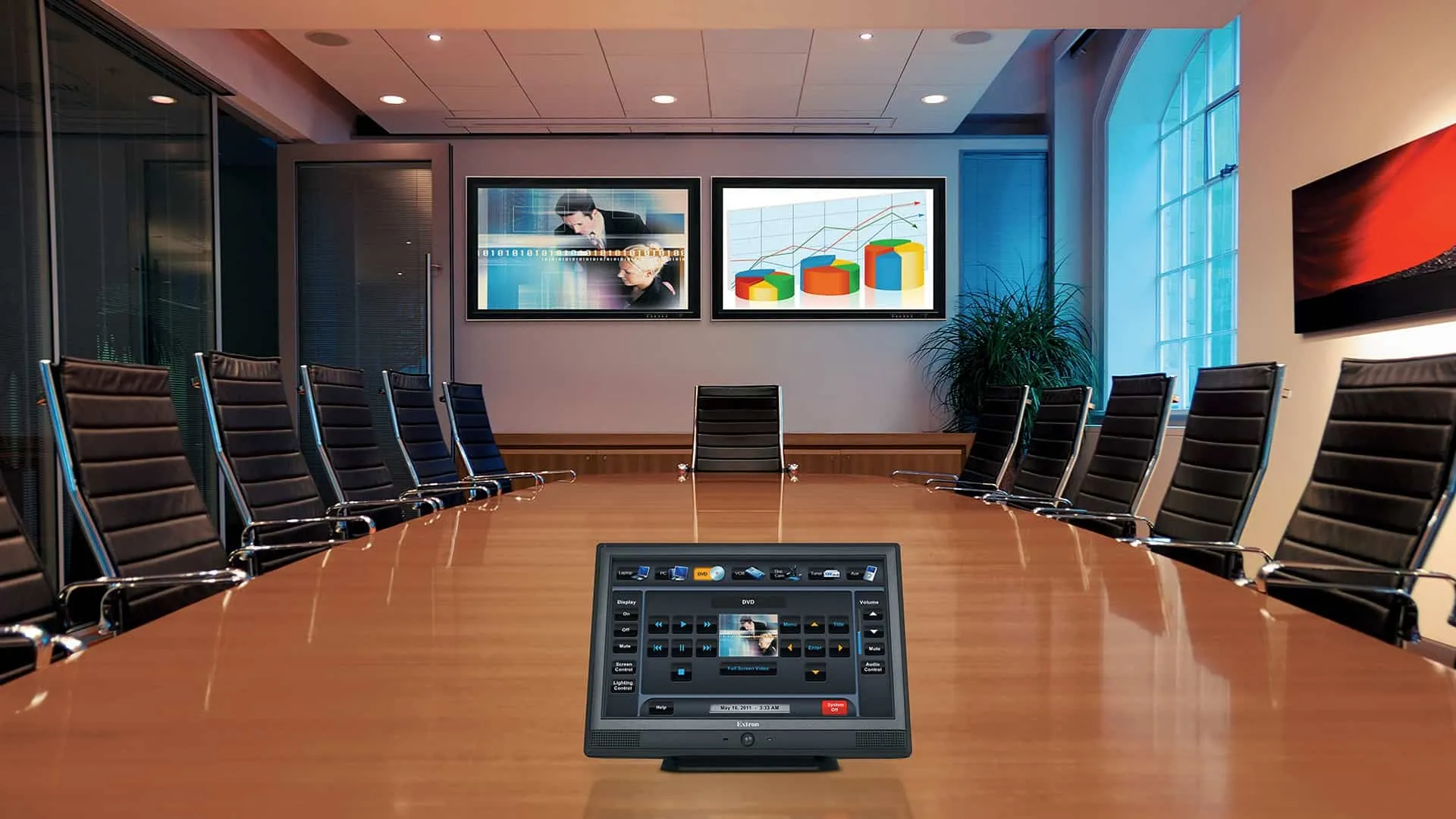
Where this solution fits
Video Conferencing Installation works best when room conditions and user workflow are defined before equipment is selected. Discovery reviews the audience, sightlines, acoustics, lighting, mounting surfaces, signal paths, network dependencies and the people responsible for daily operation.
360 Mobile Vision begins with the organization’s workflow, existing environment and acceptance criteria. The result is a scoped recommendation rather than a generic equipment or feature list.
Capabilities and decisions
Room And Participant Experience
Document the site conditions, user expectation and acceptance test for room and participant experience.
Camera And Microphone Design
Document the site conditions, user expectation and acceptance test for camera and microphone design.
Display, Audio And Control
Document the site conditions, user expectation and acceptance test for display, audio and control.
Platform, Network And Support
Document the site conditions, user expectation and acceptance test for platform, network and support.
Planning checklist
The discovery conversation should settle the following items before implementation begins:
- Room purpose, audience, occupancy and accessibility requirements.
- Sightlines, ambient light, acoustics and background-noise conditions.
- Sources, conferencing platforms, user devices and control workflow.
- Mounting, structure, power, ventilation and cable pathways.
- Network, account, content and remote-management dependencies.
- Commissioning, presets, training, labeling and support ownership.
How a project moves forward
Observe
Review the room, users and current operating problems.
Design
Define coverage, mounting, signal, control and network requirements.
Prepare
Coordinate equipment, pathways, power and installation access.
Commission
Tune the system and test real user scenarios.
Handoff
Provide presets, labels, training and support documentation.
Discuss a Carolina project
Share the current environment, required outcomes, users, timeline and known constraints. We can help define a practical next step for a North Carolina or South Carolina facility.
Video Conferencing Installation: planning details and decision points
A useful audiovisual design starts with the room and the people using it. For Video Conferencing Installation, the equipment list should follow sight lines, listening distance, ambient light, acoustic conditions, meeting platforms and the level of day-to-day control the client expects.
- Room conditions: Measure seating positions, display visibility, reverberation, background noise and available mounting locations.
- Signal path: Document sources, destinations, switching, extension distances and the network services used by conferencing or streaming.
- User controls: Choose controls that ordinary users can operate without calling technical support for every meeting or presentation.
- Infrastructure: Confirm power, grounding, cable pathways, ventilation and service access before finishes are closed.
- Acceptance: Test audio coverage, image quality, content sharing, remote participants and recovery after a power or network interruption.
Information that improves the proposal
Before pricing, gather available drawings, site counts, existing model numbers, known trouble areas, preferred management methods, required integrations and the people who will approve the final result. This lets the project specialist distinguish required work from options and avoids basing the design on assumptions.
Related choices on this site include Audio Visual Services, Structured Cabling. Review those guides together when the systems share cabling, identity, network or operating requirements.
From assessment to a usable handoff
A dependable Video Conferencing Installation scope should move through four documented stages:
- Discover: verify field conditions, users, existing assets, constraints, priorities and the desired operating result.
- Design: compare practical options, identify tradeoffs, confirm compatibility and establish a written basis of design.
- Deliver: coordinate scheduling and responsibilities, install or configure the approved scope, and record changes found in the field.
- Validate: test the agreed functions, resolve exceptions, train the responsible users and provide the final documentation.
This sequence gives the client clear review points before purchasing decisions become difficult to change. It also creates a better basis for comparing proposals: equipment, labor, subscriptions, exclusions, testing and support can be evaluated as parts of one operating plan instead of as unrelated line items.
Related services, products and planning guides
Audio Visual Services
Use the Audio Visual Services guide to compare compatible equipment, integrations, deployment choices and lifecycle responsibilities related to this project.
Structured Cabling
Use the Structured Cabling guide to compare compatible equipment, integrations, deployment choices and lifecycle responsibilities related to this project.