
Brivo hardware design guide
Choose the controller and reader architecture after the door survey—not before it. Capacity, lock power, battery, network, reader protocol, credential migration, expansion and outage behavior all affect which Brivo hardware belongs at a site.
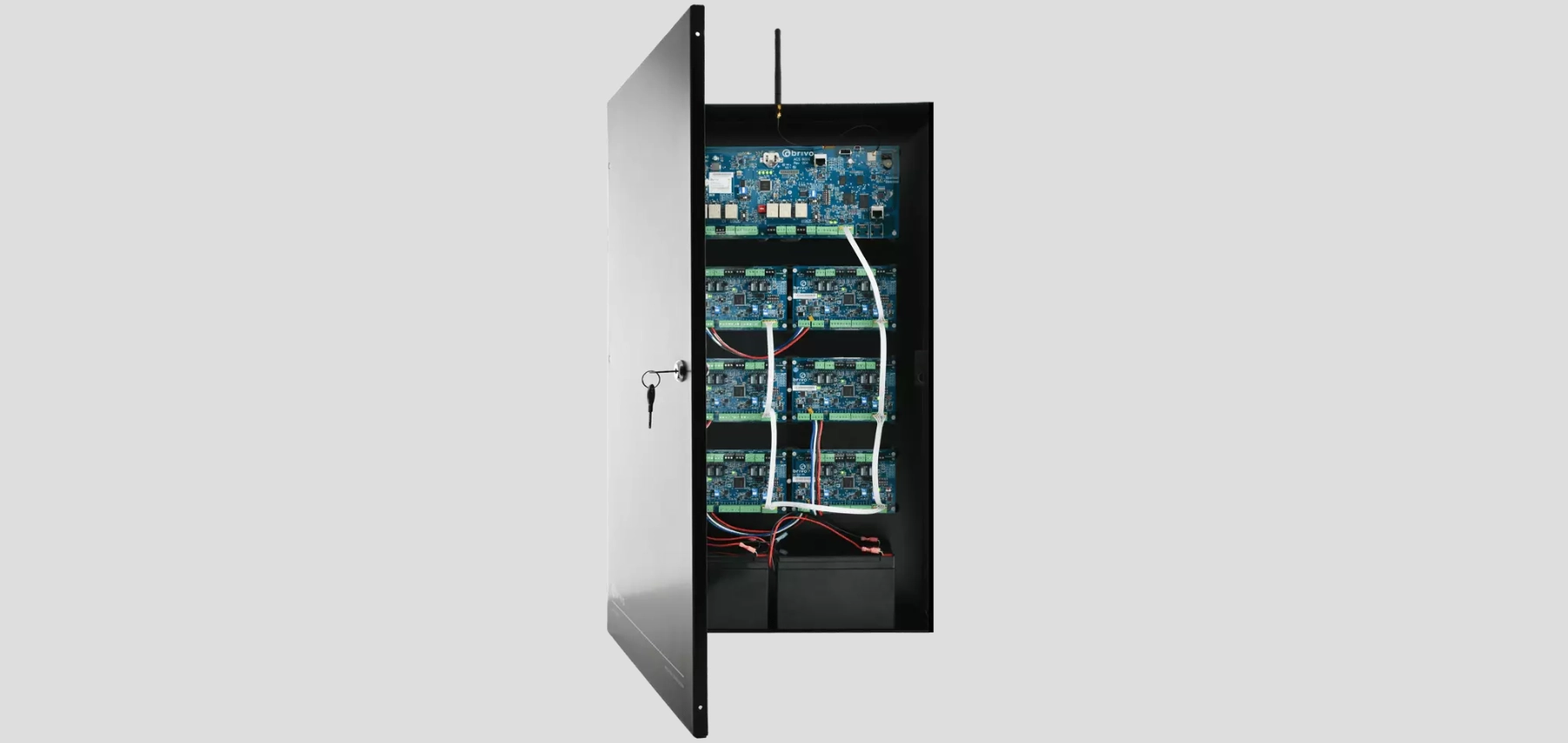
Controller families to compare
ACS100
A reader/controller format for one door. Confirm the current model, supported credentials, network and power method, downstream hardware and environmental fit.
ACS300
A two-door panel for small locations or incremental expansion. Include enclosure, power, battery, inputs, outputs and reader wiring in the scope.
ACS-SDC
A single-door Ethernet controller for Brivo Smart Readers and supported OSDP readers. Distributed installation can simplify some pathways while increasing switch-port and field-enclosure considerations.
ACS6100
A modular current-generation panel family that can use door and I/O expansion boards. Brivo documents remote firmware, encrypted communications and growth to larger reader counts when properly configured.
ACS6000
An established expandable family in existing systems. Record main-board generation, expansion boards, firmware, enclosure and power before planning reuse or staged migration.
Mercury controllers
Authentic Mercury open-architecture options can support selected takeovers and enterprise designs. Verify the exact controller, downstream boards and Brivo feature support.
Panel engineering checklist
- Reader and door count, including spare capacity and future phases
- Lock voltage, inrush, continuous load and separate power-supply requirements
- Door contacts, request-to-exit devices, relays, alarm inputs and elevator I/O
- Battery capacity, standby expectation and monitored power conditions
- Ethernet, Wi-Fi or cellular options supported by the selected hardware
- Cabinet size, tamper, grounding, temperature and service clearances
- Offline behavior, firmware ownership and maintenance-window procedure
Brivo Smart Readers and reader protocols
Brivo Smart Readers support current mobile and encrypted credential strategies in several mounting formats. The reader schedule should identify the exact format, keypad requirement, indoor or outdoor exposure, credential technologies and required LED or audible behavior. OSDP Secure Channel is preferred for supported new wiring because it provides supervised, bidirectional encrypted communication; legacy Wiegand may remain during a planned migration but should be identified as a limitation.
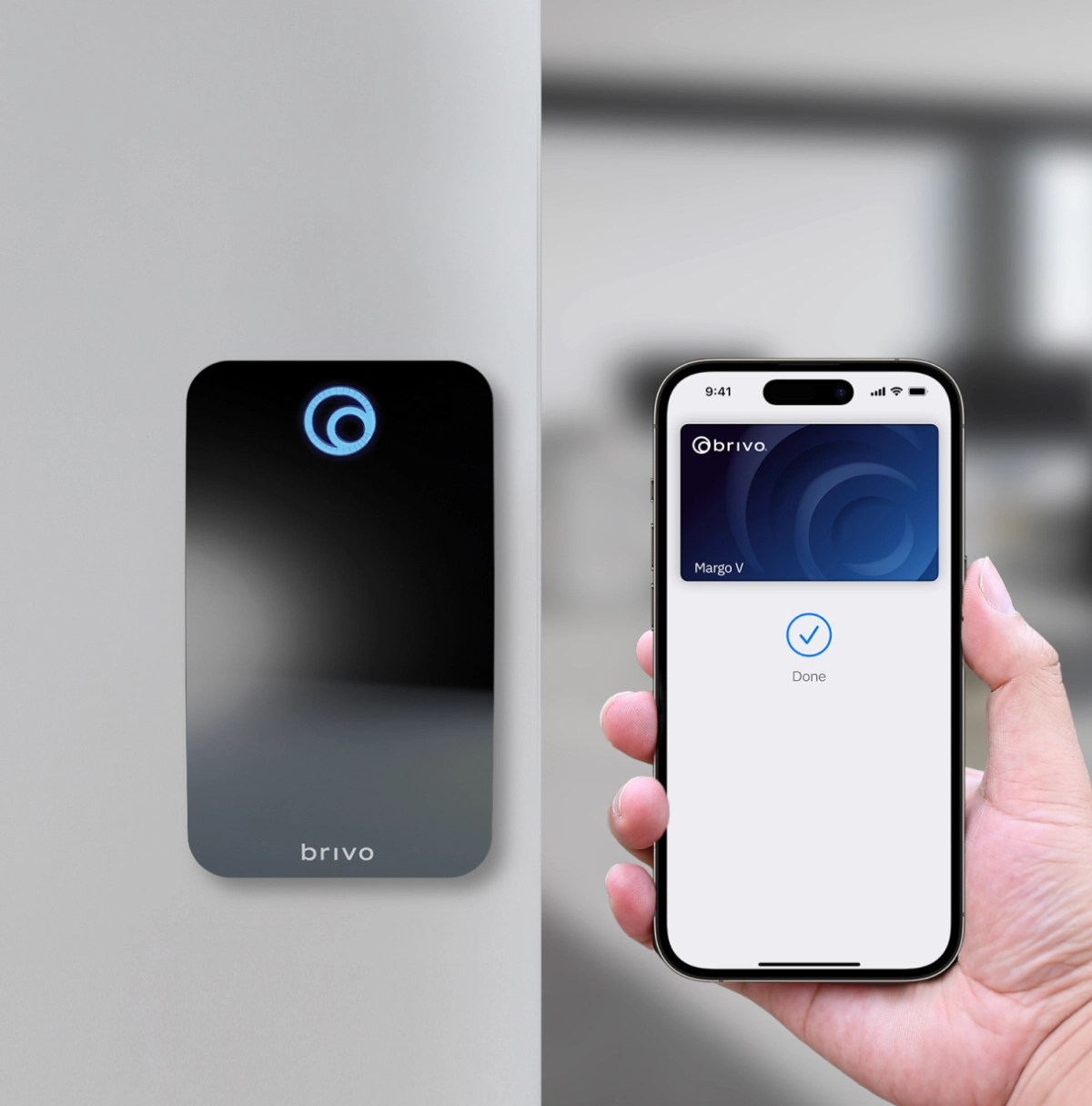
Mounting and appearance
Match mullion, single-gang and keypad formats to the frame, wall, accessibility reach and user workflow.
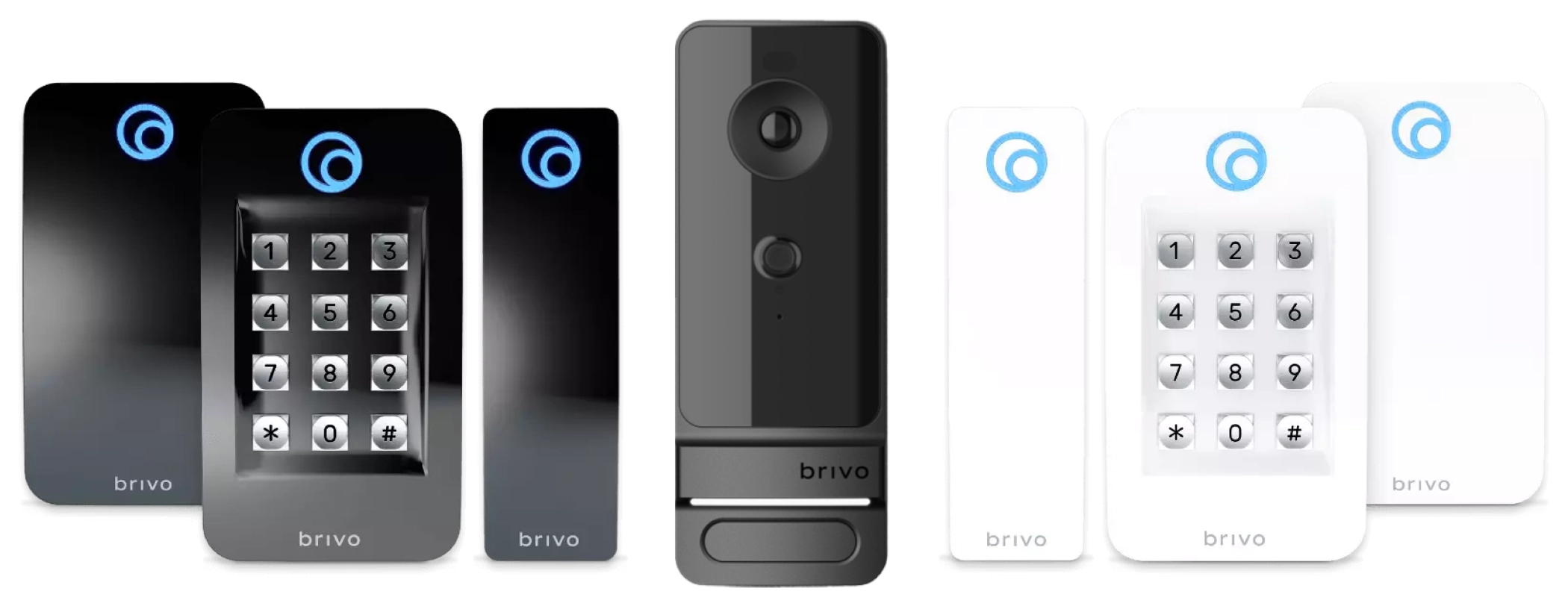
Credential support
Confirm Mobile Pass, Wallet, encrypted card, fob, PIN and any temporary legacy-card requirement for each reader.
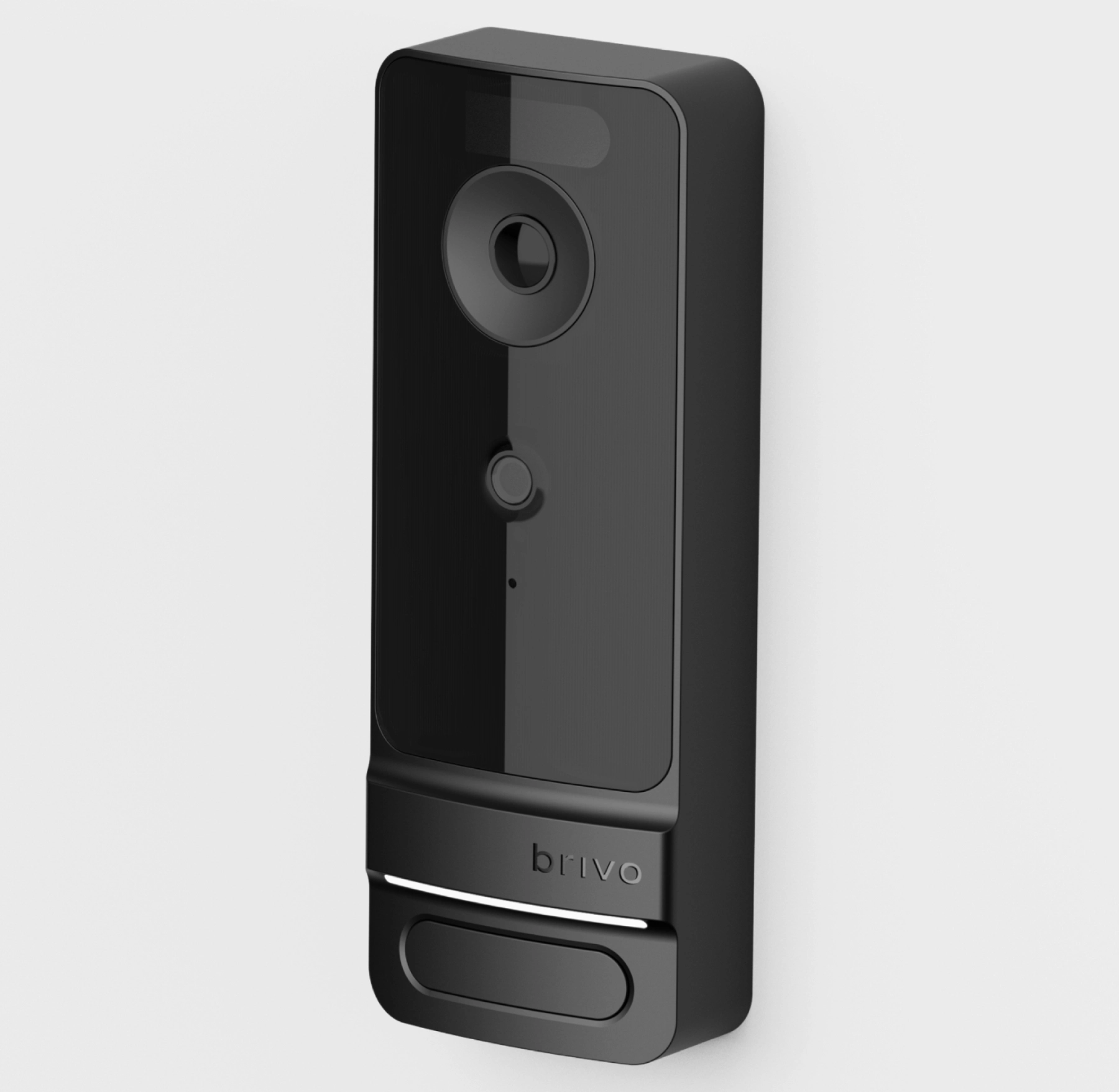
Door Station
Where a camera-enabled reader is considered, verify panel and firmware compatibility, mounting, lighting, privacy and facial-authentication policy.
Credential migration
A credential plan should reduce cloning risk without interrupting operations. Inventory existing card formats and facility codes, identify readers that cannot support the target technology, define an overlap period, and decide whether mobile access is optional or required. Do not promise that an old card will work merely because the reader is described as multi-technology.
- Choose the long-term card, fob, PIN, mobile and Wallet options.
- Document enrollment, issuance, photo or identity checks and replacement fees.
- Assign responsibility for revoked staff, vendors, residents and lost devices.
- Protect enrollment keys, administrator permissions and credential inventory.
- Test gates, elevators, offline openings and other nonstandard access points.
Existing locks and wireless integrations
Brivo supports selected Allegion, ASSA ABLOY, SimonsVoss, HID and multifamily lock integrations. Compatibility depends on exact model, regional availability, firmware, gateway and Brivo release. The opening survey must also confirm fire rating, egress, accessibility, latch geometry, door closer, mechanical override and battery-service responsibility.
A takeover should separate reusable field hardware from obsolete controllers and credentials. Test every reused device and state the replacement allowance for failed or noncompliant components.
Build the Brivo hardware schedule
Provide a door list, existing panel and reader models, credential technology, lock voltage, network policy and expansion plan so the controller and reader architecture can be verified.
Authorized · Certified · Carolinas
Authorized Brivo dealer, certified installer and integrator
360 Mobile Vision sells, installs, programs and services Brivo for businesses across North and South Carolina — cloud access control, ACS panels, smart readers and Mobile Pass credentials. Being the authorized dealer as well as the installer is what gets you genuine equipment, a valid warranty and a manufacturer support path when something needs escalating.
- DealerWe quote and supply genuine Brivo equipment, licensing and subscriptions.
- InstallerOur own technicians run the cable, mount the hardware, set the software up and test it — not a subcontractor you have never met.
- IntegratorWe make it work with the cameras, doors, network and identity systems already in the building, rather than leaving you with two systems that do not talk.
- Still here afterwardsService, repair, expansion and takeover of systems somebody else installed. Emergency support around the clock.
Official Brivo software, firmware and support
Use the manufacturer links below for current software, firmware, release notes, manuals and technical resources. 360 Mobile Vision links directly to official manufacturer portals and does not copy or host firmware files.
Before installing an update: verify the exact model, region, hardware revision, current version, required intermediate releases, licensing or support entitlement, backup and rollback plan, integrations and maintenance window. An incorrect firmware package or upgrade sequence can interrupt service, invalidate compatibility or prevent a downgrade. Coordinate updates for monitored, life-safety-adjacent or business-critical systems with the system administrator and an authorized specialist.
Some resources require a customer, dealer, certified-technician or active-support login. Cloud-managed products may update automatically and may not provide a public firmware file.