
North and South Carolina
Meeting Room Management and Control
Make shared spaces easier to schedule, start, operate and support with coordinated audiovisual, control and network design.
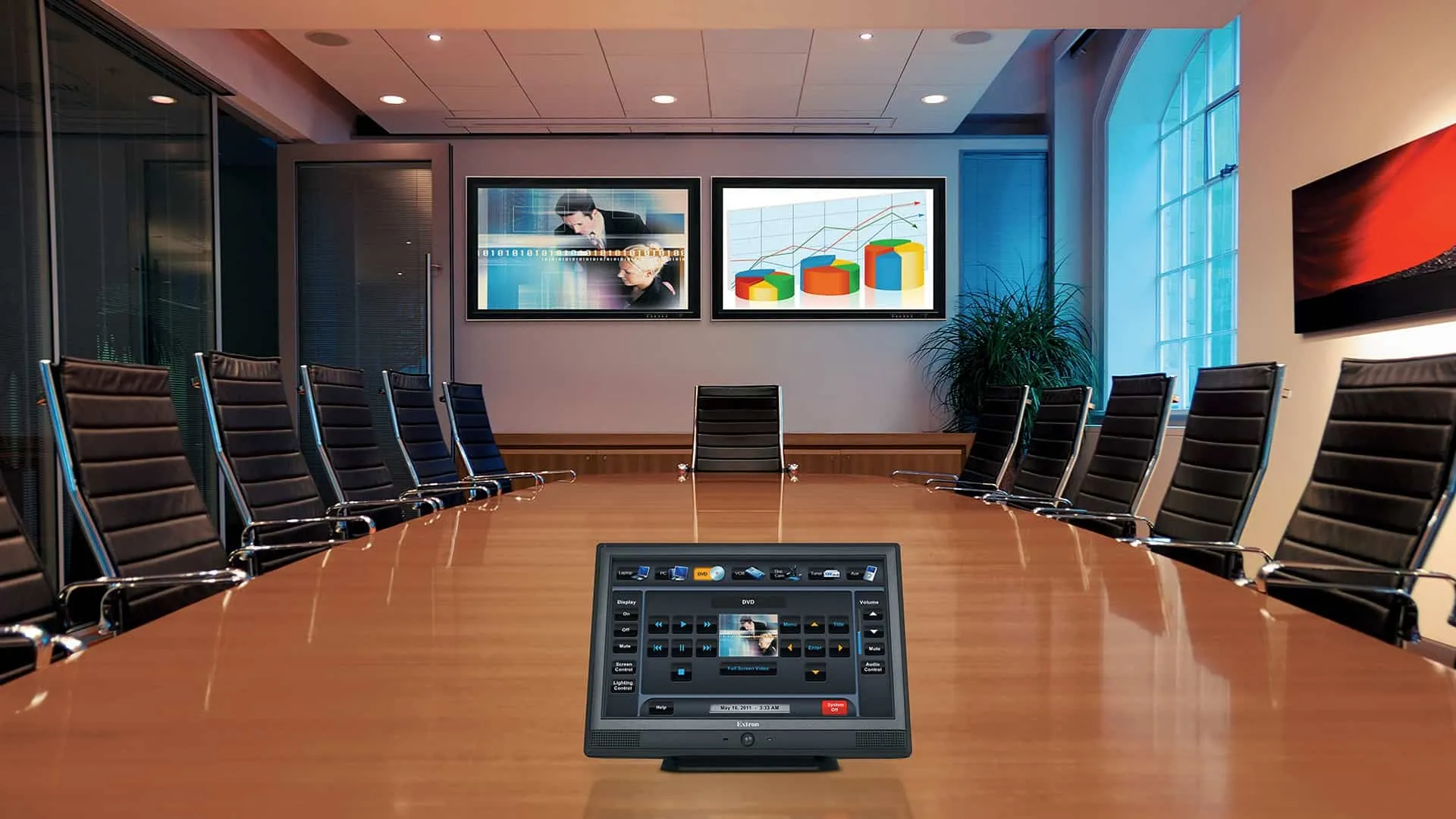
Create a consistent room experience
Room technology works best when users can begin a meeting without learning the underlying signal flow. Displays, cameras, microphones, speakers, conferencing platforms, control interfaces and room scheduling should be planned as one operating experience.
For multiple rooms, standard equipment, naming, presets and support procedures can reduce training and simplify maintenance.
Explore solutions and planning guides
Audio visual services
Plan displays, conferencing, audio and integrated control.
Digital signage
Use room-adjacent displays for schedules, wayfinding or messaging.
Commercial audio
Coordinate room speakers, microphones, program audio and zoning.
Network services
Prepare wired, wireless and segmented connectivity for collaboration systems.
Structured cabling
Document display, table, floor-box and equipment-rack pathways.
Design and repair
Assess inconsistent or unreliable rooms and define improvements.
What we review before recommending a system
A dependable design begins with the site, the people who will use the system and the result the organization needs—not with a one-size-fits-all equipment list.
- Room purpose, seating, sightlines, lighting and acoustic conditions.
- Supported conferencing platforms, guest devices and presentation inputs.
- Camera framing, microphone pickup and loudspeaker coverage.
- Scheduling, occupancy, control interface and accessibility needs.
- Network, account, security and remote-management requirements.
- Standardization, training, spare strategy and support ownership.
Our project team can document existing conditions, identify integration requirements and develop an installation scope for facilities in North Carolina and South Carolina.
Plan the next step
Tell us about the property, current equipment and operational goals. We can help compare practical options and define a project path.