
Back to the main ButterflyMX service page
360 Mobile Vision (a Subsidiary of 360 Technology Group LLC) created this deeper ButterflyMX product guide for customers who want more than a brand overview. This page is built to keep users on our site when they need more technical product context before moving into installation, repair, dealer/reseller support, maintenance or expansion planning with 360 Mobile Vision.
ButterflyMX product guide
ButterflyMX is broader than a single intercom. The platform spans video intercoms, QR-based visitor entry, cloud-managed access control, readers, package rooms, cameras, elevator controls, vehicle access and front-desk workflows. This matters because many property owners want one operating model across multiple points of entry and multiple day-to-day building functions.
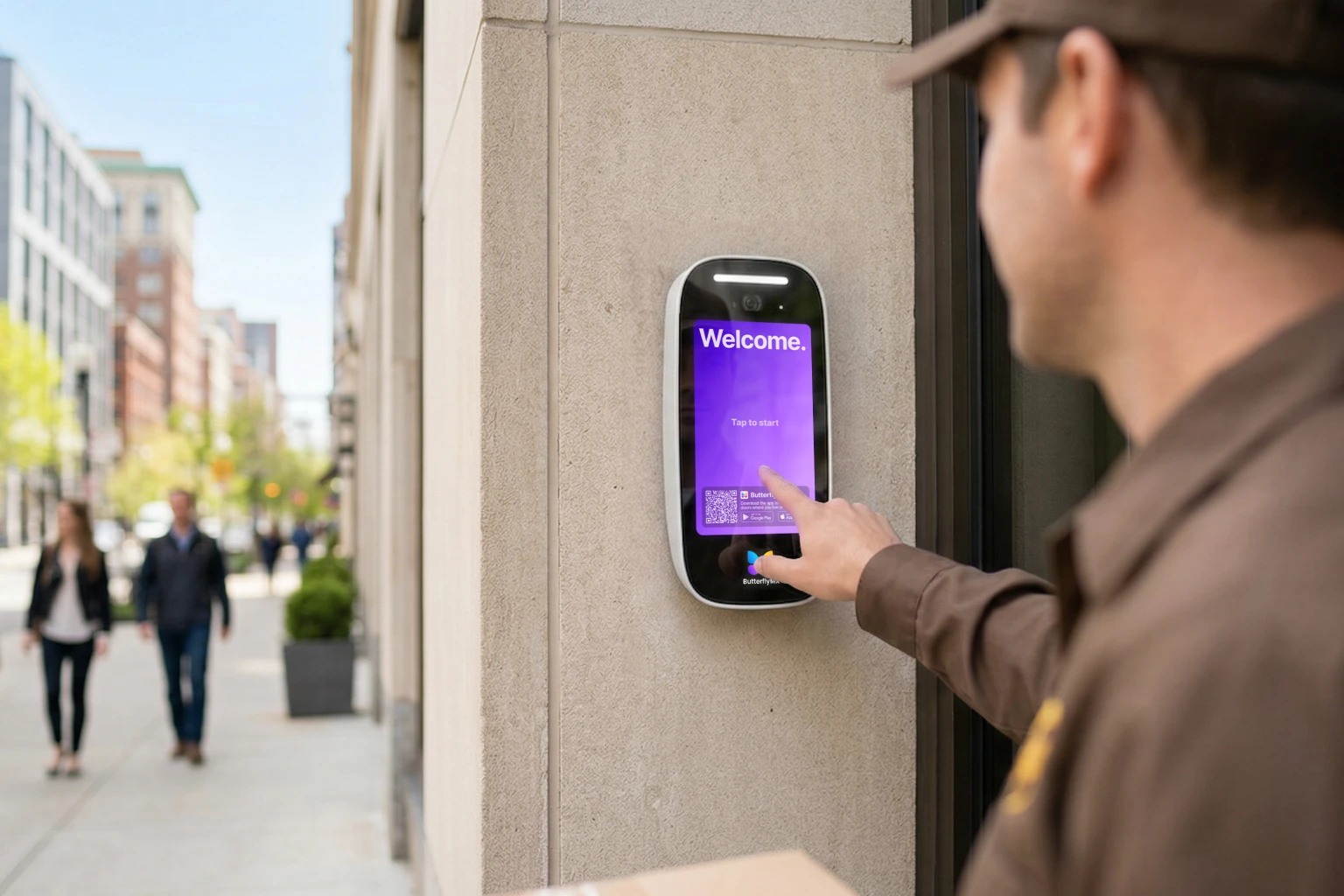
Video Intercoms
Video Intercoms are the core of the ButterflyMX brand. The system is built around smartphone-connected property entry, remote door release and a more modern resident or tenant entry experience. This is especially valuable on multifamily and mixed-use properties that want to improve convenience without losing control.
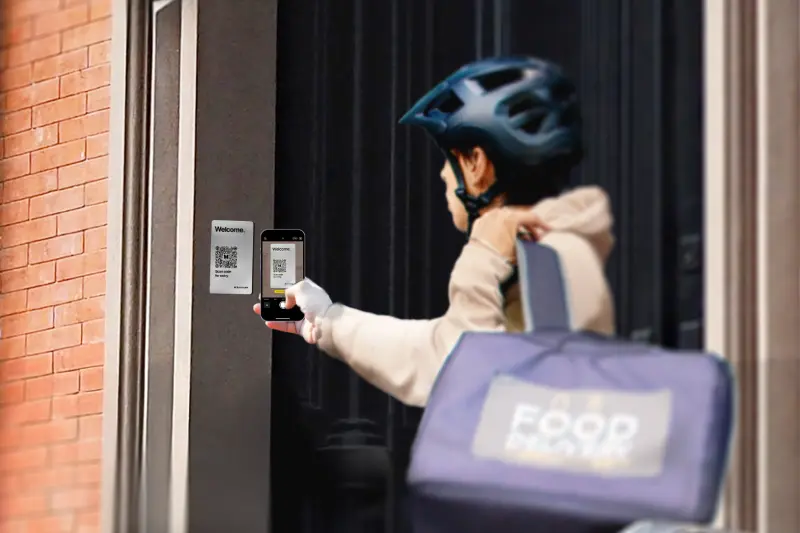
QR Code Intercom
QR Code Intercom products extend visitor entry into a QR-based workflow that can fit self-guided tours, visitor management and lower-friction entry scenarios. This matters on properties that are trying to modernize access while also reducing front-desk workload and manual check-in friction.
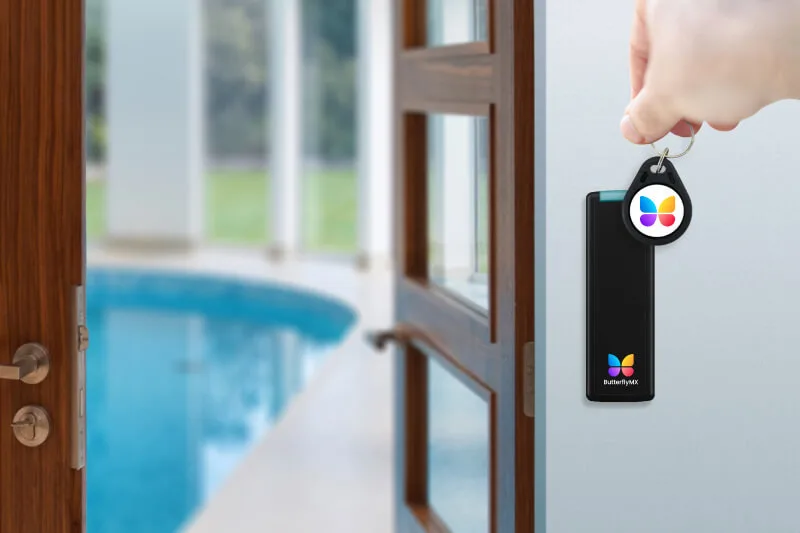
Access Control System
ButterflyMX’s access control platform covers doors, gates, garages and elevators through a cloud-managed approach. This matters to customers who want resident, staff and visitor access handled in one ecosystem instead of spread across unrelated products. We deploy ButterflyMX controllers and readers as part of a complete operating model, not just as isolated hardware.
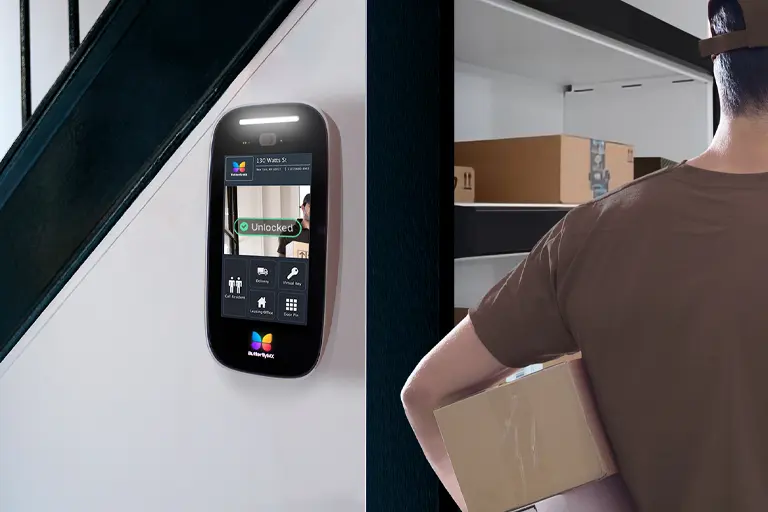
Package Room
Package Room products address a very practical property problem: delivery overflow and unmanaged common-area packages. ButterflyMX ties package access into the broader resident and staff access environment, which is part of why it appeals to multifamily operators that care about operations as much as security.
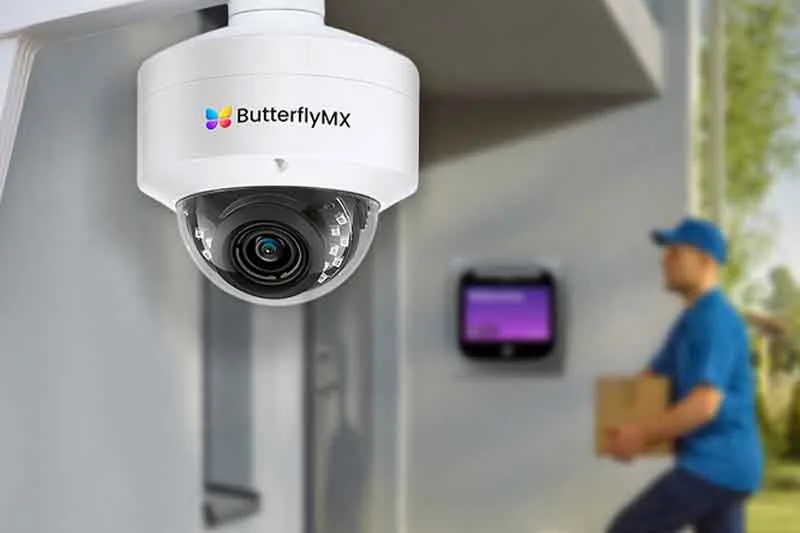
Security Cameras
ButterflyMX cameras extend the platform into property visibility and event review. Customers who already rely on ButterflyMX for entry often prefer camera coverage that aligns with the same operating model. We install and maintain these camera deployments where a building wants more visibility tied directly to access events.
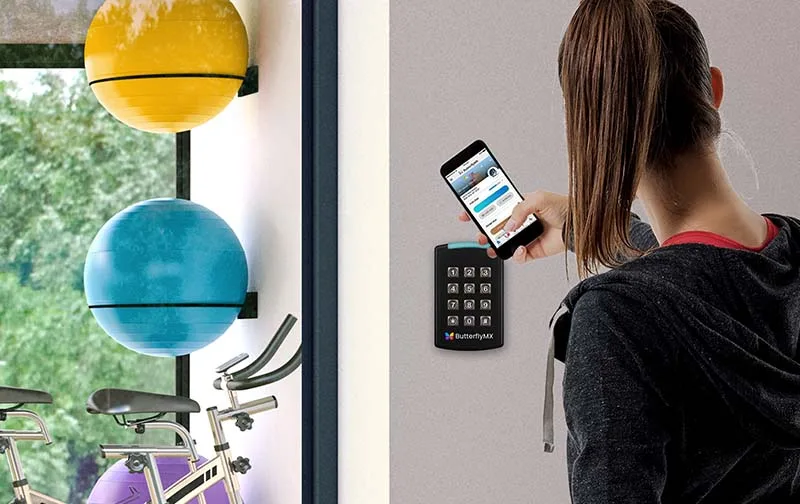
Keypad and alternate access methods
ButterflyMX readers and keypads matter because not every user group or property condition works best with phone-only entry. Keypads and related reader hardware support mixed access strategies for residents, staff, deliveries and shared spaces.

Vehicle Access
Vehicle Access products extend ButterflyMX into garages and gates, giving the brand stronger coverage across the full property arrival experience. These products are useful where a property wants one operating platform for both pedestrian and vehicle entry.
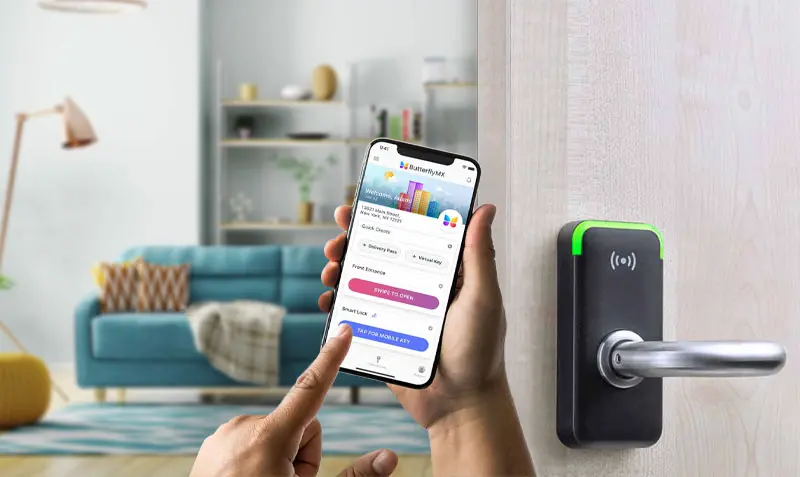
Smart Locks
ButterflyMX smart lock integrations are useful when customers want the platform to extend beyond common areas and into controlled unit-level or managed-space access. This is especially relevant for self-guided tours, operational staff workflows or managed-access environments.
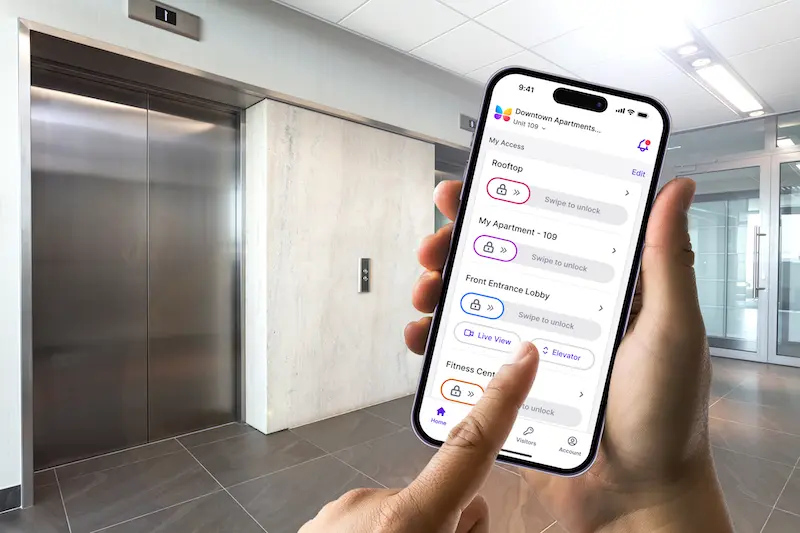
Elevator Controls and Front Desk Station
Elevator Controls and Front Desk Station products show that ButterflyMX is really about property operations, not only a door device. These products matter on larger properties where access decisions, visitor management and building staff workflow need to be coordinated.
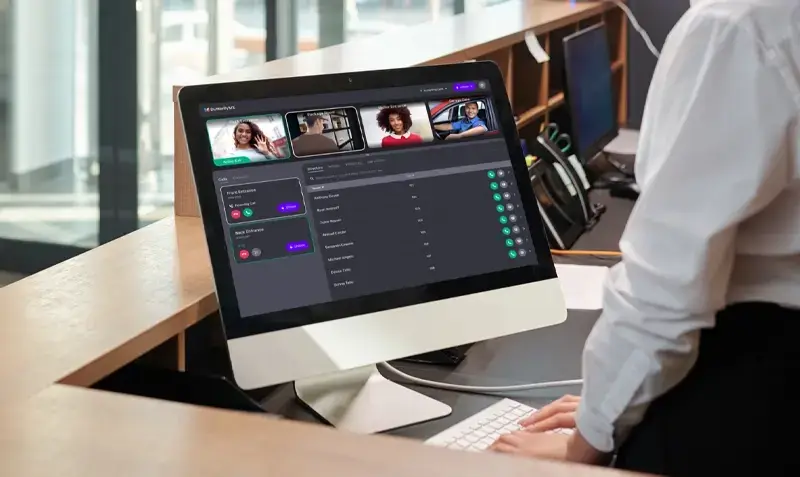
Where ButterflyMX fits best
ButterflyMX fits especially well on multifamily, student housing, mixed-use and managed commercial properties where the owner wants one cloud-oriented ecosystem for intercom, access, deliveries, staff workflow and visitor operations.
Need ButterflyMX sales, installation, repair or maintenance?
360 Mobile Vision provides field installation, repair, takeover support, product sales, system expansion, software help and ongoing maintenance for ButterflyMX. Contact us at 866-625-1977.
How to use this product directory
The catalog organizes ButterflyMX Access Control, Video Intercom and Property Access Installation, Repair, Dealer, Reseller and Maintenance product families, but the project still needs a written basis of design. Start with the operating result, then narrow the list using capacity, compatibility, environment, administration, integrations, availability and lifecycle support. A model should remain provisional until those conditions are verified for the property.
Turn product choices into an installable scope
- Record the exact model, revision, accessories, licenses and supported software required for each function.
- Confirm power, network, pathways, mounting, environmental and code-related conditions at the installation point.
- Identify products or infrastructure proposed for reuse and the test that will determine whether each item is serviceable.
- Map integrations and assign configuration, account, subscription and support ownership to the responsible party.
- Define normal, exception, outage and emergency acceptance tests before equipment is released.
- Provide final model schedules, settings, versions, labels, test evidence and official support routes at handoff.
Current models, substitutions and lifecycle
Product names and bundles can change after a directory is published. Procurement should use current manufacturer documentation and an approved submittal. Any substitution must be checked for capacity, protocols, licenses, accessories, environmental rating, appearance, mounting, warranty and the effect on integrations. Software and firmware should be obtained only from official manufacturer resources.
ButterflyMX owner, administrator and buyer resources
Carolina owners and property teams can use the parent-company ButterflyMX knowledge center to prepare a new deployment, app rollout, integration, maintenance visit or repair.
Discuss ButterflyMX installation, maintenance or service
Detailed guides are maintained by 360TechnologyGroup.com, the parent-company knowledge center.
Authorized · Certified · Carolinas
Authorized ButterflyMX dealer, certified installer and integrator
360 Mobile Vision sells, installs, programs and services ButterflyMX for businesses across North and South Carolina — video intercom panels, package rooms, elevator and vehicle access for multifamily property. Being the authorized dealer as well as the installer is what gets you genuine equipment, a valid warranty and a manufacturer support path when something needs escalating.
- DealerWe quote and supply genuine ButterflyMX equipment, licensing and subscriptions.
- InstallerOur own technicians run the cable, mount the hardware, set the software up and test it — not a subcontractor you have never met.
- IntegratorWe make it work with the cameras, doors, network and identity systems already in the building, rather than leaving you with two systems that do not talk.
- Still here afterwardsService, repair, expansion and takeover of systems somebody else installed. Emergency support around the clock.
Official ButterflyMX software, firmware and support
Use the manufacturer links below for current software, firmware, release notes, manuals and technical resources. 360 Mobile Vision links directly to official manufacturer portals and does not copy or host firmware files.
Before installing an update: verify the exact model, region, hardware revision, current version, required intermediate releases, licensing or support entitlement, backup and rollback plan, integrations and maintenance window. An incorrect firmware package or upgrade sequence can interrupt service, invalidate compatibility or prevent a downgrade. Coordinate updates for monitored, life-safety-adjacent or business-critical systems with the system administrator and an authorized specialist.
Some resources require a customer, dealer, certified-technician or active-support login. Cloud-managed products may update automatically and may not provide a public firmware file.