
Video surveillance product-family guide
A useful Avigilon video design starts with the scene, evidence requirement and operator response—not a camera-resolution headline. This page connects camera, recorder, software, analytics and integration families to the network, storage and lifecycle decisions required for a complete system.
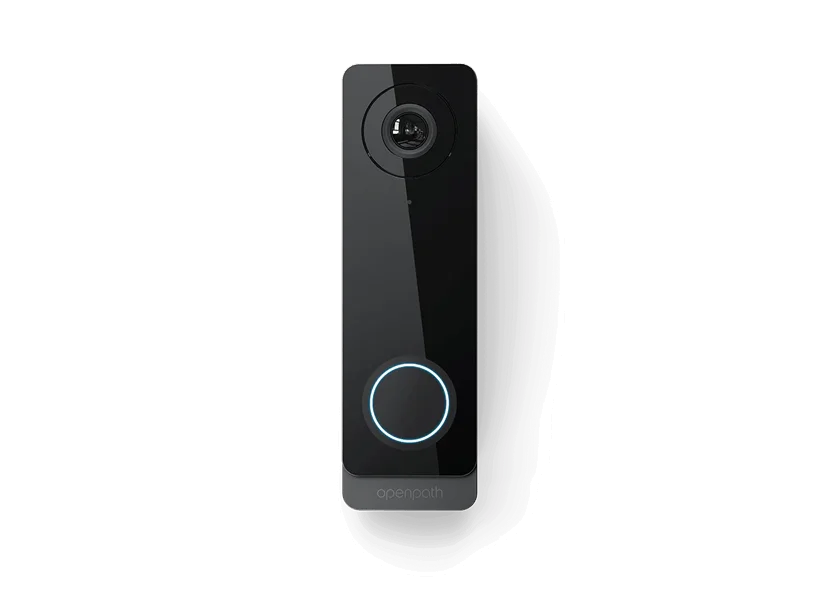
Start with the system architecture
Avigilon product names describe parts of a solution, not the complete installed result. A responsible design also covers power, pathways, network, software or subscriptions, compatible accessories, integrations, environmental conditions, user administration, testing and long-term support. Those dependencies should be visible in the proposal instead of left for the field team to discover.
The product-family sections below summarize the principal choices represented on this site. Availability, model numbers, software packaging and regional support can change. Final selection is verified against current manufacturer documentation and the actual site before procurement.
New systems
Develop the architecture from measured conditions, operating requirements and a written acceptance plan.
Existing-system expansion
Inventory installed models, versions, licenses, capacity and support status before promising compatibility.
Phased migration
Separate reusable infrastructure from weak credentials, obsolete controllers, unsupported software and unreliable field devices.
Multi-site standards
Create repeatable naming, configuration, testing and handoff rules while preserving a survey for each location.
Avigilon Alta Video Cloud Cameras and Integrations
This product-family guide addresses Product and system guidance, Alta Video cloud organization and Deployment Management Portal, Alta/Ava cameras and edge/cloud storage.
- Product and system guidance
- Alta Video cloud organization and Deployment Management Portal
- Alta/Ava cameras and edge/cloud storage
- Rules, people/vehicle/audio analytics and smart search
- Alta Access/video-reader and third-party camera integration
- Scene survey, pixels on target, lens and mounting
- Bandwidth, storage, retention and evidence export
- Firmware, cybersecurity, user roles and remote access
- Current regulatory, procurement and customer compliance requirements
- Engineering before procurement
- Avigilon Alta Video documentation
- Avigilon brand transition
Open the detailed Avigilon Alta Video Cloud Cameras and Integrations guide
Avigilon Unity Video, Cameras and Analytics
This product-family guide addresses Product and system guidance, Unity Video software editions and operator clients, H5/H6 camera, multisensor, fisheye and PTZ choices.
- Product and system guidance
- Unity Video software editions and operator clients
- H5/H6 camera, multisensor, fisheye and PTZ choices
- Appearance search, object classification and event rules
- NVR/storage, redundancy and cloud service management
- Scene survey, pixels on target, lens and mounting
- Bandwidth, storage, retention and evidence export
- Firmware, cybersecurity, user roles and remote access
- Current regulatory, procurement and customer compliance requirements
- Engineering before procurement
- Avigilon Unity
- Avigilon Unity Video
Open the detailed Avigilon Unity Video, Cameras and Analytics guide
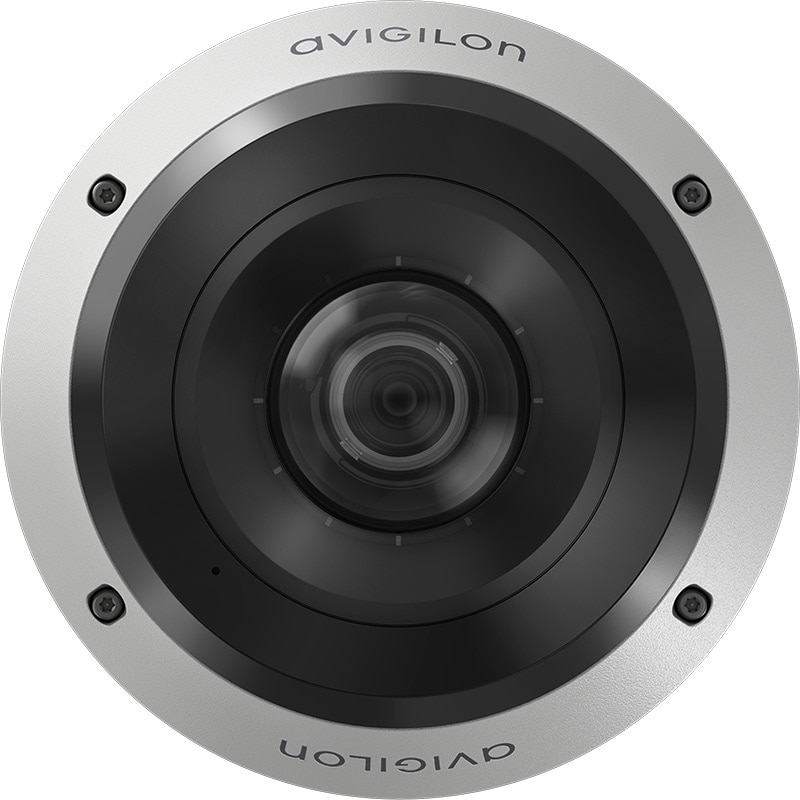
Decisions to document before ordering Avigilon
Use these questions to turn a feature discussion into an installable scope. Any item that remains unresolved should appear as an assumption, allowance or exclusion rather than becoming an undocumented field decision.
- Define identification, recognition, observation and overview goals for each scene, including day, night, glare and weather conditions.
- Select camera form factor, lens, sensor, illumination, environmental rating, mounting and vandal resistance from field evidence.
- Calculate recording bandwidth and storage using actual streams, frame rates, retention, redundancy and export requirements.
- Document VMS edition, server or appliance architecture, user permissions, health monitoring, licensing and failover expectations.
- Treat analytics as a tested workflow with scene prerequisites, alert ownership, tuning and measurable acceptance criteria.
- Coordinate switching, PoE budgets, VLANs, cybersecurity, time synchronization, remote access and firmware responsibility.
Reuse, migration and lifecycle review
An existing system may contain a mix of serviceable field hardware and components that are no longer secure, supported or economical. Record model and serial information, firmware and application versions, active licenses, administrator access, backups, warranties, spare capacity and known faults. Test reused devices instead of assuming they work because they are present.
Compare continued support, partial modernization and replacement using lifecycle cost and operational risk. A lower initial price can be misleading if the client inherits unsupported software, weak credentials, subscription surprises, proprietary dependencies or an undocumented integration. The handoff should identify official support resources and state who owns updates, renewals, backups and recovery.
Project delivery and acceptance
1. Discovery
Define the operating problem, users, sites, critical areas, policies, existing assets and success criteria.
2. Field verification
Measure conditions, inspect infrastructure, photograph constraints and resolve responsibilities shared with other trades.
3. Design and deployment
Approve models, capacity, licensing, pathways, settings, integration ownership, test cases and the installation sequence.
4. Closeout
Resolve exceptions and provide labels, test records, versions, diagrams, backups, training and official support routes.
North and South Carolina projects are coordinated from Charlotte. Coverage and scheduling depend on the site count, scope, required trades, field conditions and support expectations.
Avigilon planning questions
Can existing equipment be reused?
Possibly. Reuse depends on exact models, condition, protocol, firmware, software support, capacity and the target security or performance level. A survey and supported compatibility check are required before reuse becomes part of the proposal.
How are product models selected?
Models are selected from the required function, site conditions, capacity, environment, integrations, lifecycle and current availability. A catalog feature alone is not a substitute for those design inputs.
Who manages software, subscriptions and updates?
The project scope should name the client and service responsibilities for accounts, licenses, renewals, backups, release review, maintenance windows and recovery. Software and firmware come only from official manufacturer resources.
What should be tested at handoff?
Acceptance should prove normal operation, invalid or exception behavior, loss of power or communications, alerts, integrations, user permissions, reporting and the owner’s ability to perform routine administration.
Can 360 Mobile Vision service an existing Avigilon system?
We can inventory the installed environment, identify deficiencies and evaluate repair, expansion, migration or replacement. Manufacturer entitlement, administrator access and current support status are confirmed during discovery.
Official product and lifecycle resources
Use current manufacturer-controlled documentation for model availability, software, firmware, compatibility and release notes. 360 Mobile Vision links to official resources and does not redistribute firmware files.
Build a site-specific Avigilon scope
Share the locations, quantities, existing models, required integrations, network or power constraints, desired schedule and support expectations. That information allows a focused survey and product-family comparison.
Avigilon Alta and Unity owner and buyer resources
Carolina clients can use the parent-company Avigilon knowledge center to prepare an Alta or Unity deployment, mobile rollout, upgrade, maintenance visit or repair.
Discuss Avigilon installation, maintenance or service
Detailed guides are maintained by 360TechnologyGroup.com, the parent-company knowledge center.
Authorized · Certified · Carolinas
Authorized Avigilon dealer, certified installer and integrator
360 Mobile Vision sells, installs, programs and services Avigilon for businesses across North and South Carolina — Alta cloud access and cloud video, Unity on-premise video, smart readers and mobile credentials. Being the authorized dealer as well as the installer is what gets you genuine equipment, a valid warranty and a manufacturer support path when something needs escalating.
- DealerWe quote and supply genuine Avigilon equipment, licensing and subscriptions.
- InstallerOur own technicians run the cable, mount the hardware, set the software up and test it — not a subcontractor you have never met.
- IntegratorWe make it work with the cameras, doors, network and identity systems already in the building, rather than leaving you with two systems that do not talk.
- Still here afterwardsService, repair, expansion and takeover of systems somebody else installed. Emergency support around the clock.
Equipment we supply and install
Avigilon (Motorola-owned) is where we reach for self-learning analytics and high-detail imaging on larger or higher-security sites. The cameras run on-premise with Unity or in the cloud with Alta, so the same hardware suits a private plant or a multi-site cloud deployment.
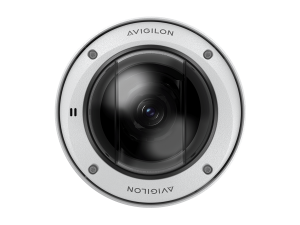
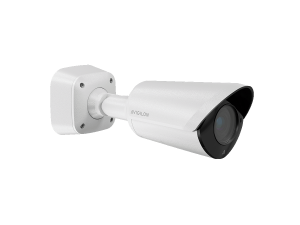
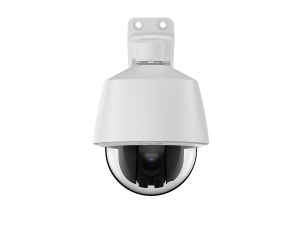
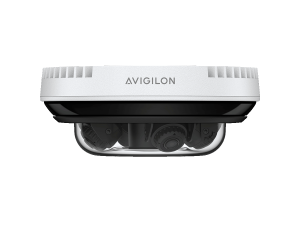
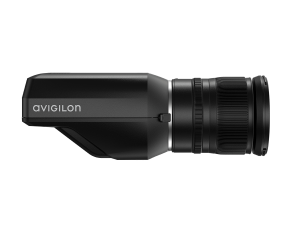
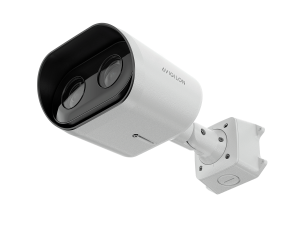
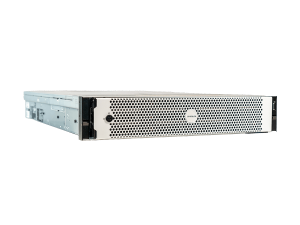
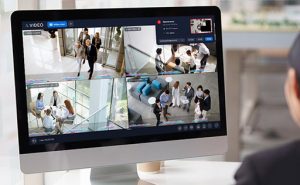
On a hybrid design we keep bulk footage local on the AI NVR and push management and alarm events to Alta. See how we weigh that on the cloud vs on-premise page.
Product images are the manufacturer's, shown for planning. Final models and accessories are confirmed per project.
Official Avigilon Unity and Alta Video software, firmware and support
Use the manufacturer links below for current software, firmware, release notes, manuals and technical resources. 360 Mobile Vision links directly to official manufacturer portals and does not copy or host firmware files.
Before installing an update: verify the exact model, region, hardware revision, current version, required intermediate releases, licensing or support entitlement, backup and rollback plan, integrations and maintenance window. An incorrect firmware package or upgrade sequence can interrupt service, invalidate compatibility or prevent a downgrade. Coordinate updates for monitored, life-safety-adjacent or business-critical systems with the system administrator and an authorized specialist.
Some resources require a customer, dealer, certified-technician or active-support login. Cloud-managed products may update automatically and may not provide a public firmware file.
Related services, products and planning guides
Commercial
Use the Commercial guide to compare compatible equipment, integrations, deployment choices and lifecycle responsibilities related to this project.
Manufacturing
Use the Manufacturing guide to compare compatible equipment, integrations, deployment choices and lifecycle responsibilities related to this project.
Openpath
Use the Openpath guide to compare compatible equipment, integrations, deployment choices and lifecycle responsibilities related to this project.
Retail
Use the Retail guide to compare compatible equipment, integrations, deployment choices and lifecycle responsibilities related to this project.
School
Use the School guide to compare compatible equipment, integrations, deployment choices and lifecycle responsibilities related to this project.