
What a business security system is actually made of
The phrase covers four separate systems that are usually bought at four different times from four different people, which is why so many businesses end up with cameras that cannot talk to the door locks and an alarm nobody can silence without calling a company that stopped trading.
Video
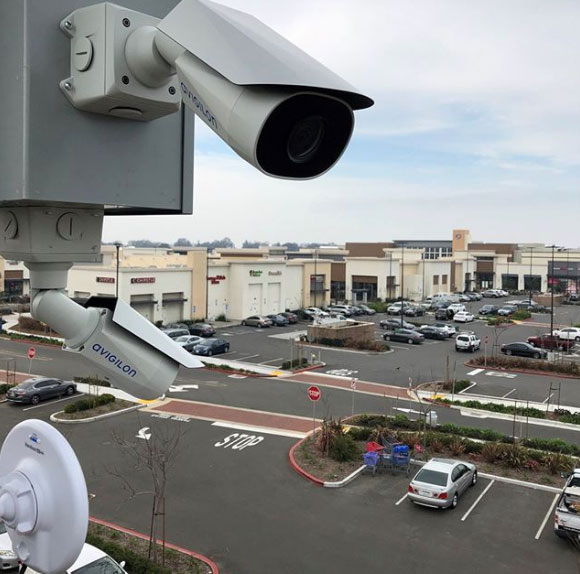
Cameras, recording and retention. Answers what happened, who was there, and which direction they went. Only useful if the images are good enough to identify a person rather than confirm that a person existed.
Door access
Readers, credentials and locks. Answers who may go where, and at what hours. Replaces the key you cannot get back when somebody leaves.
Intrusion alarm
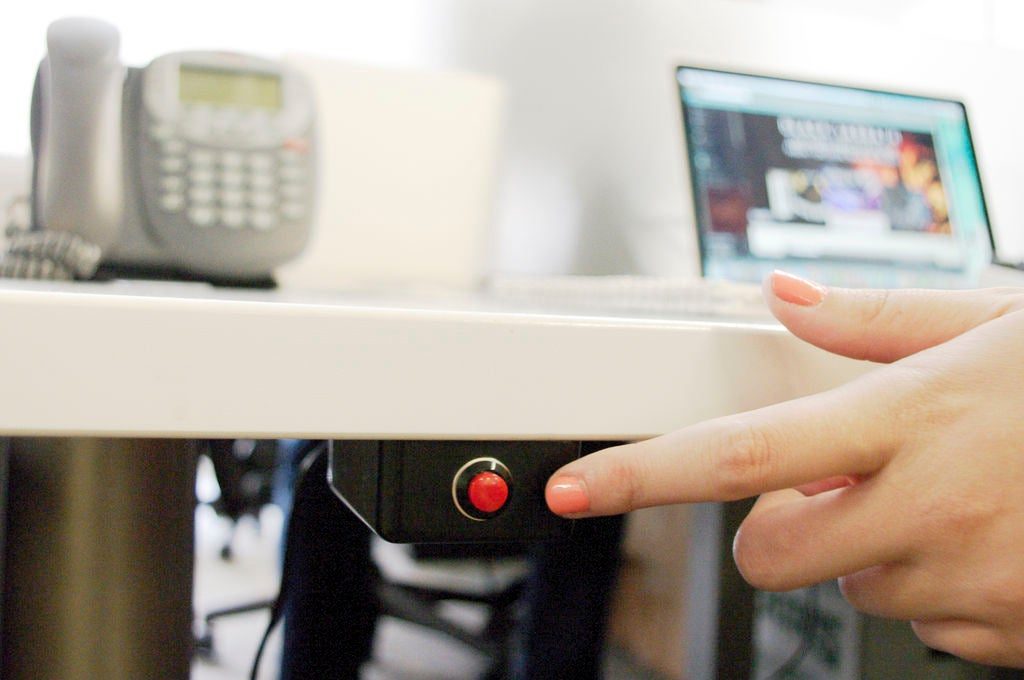
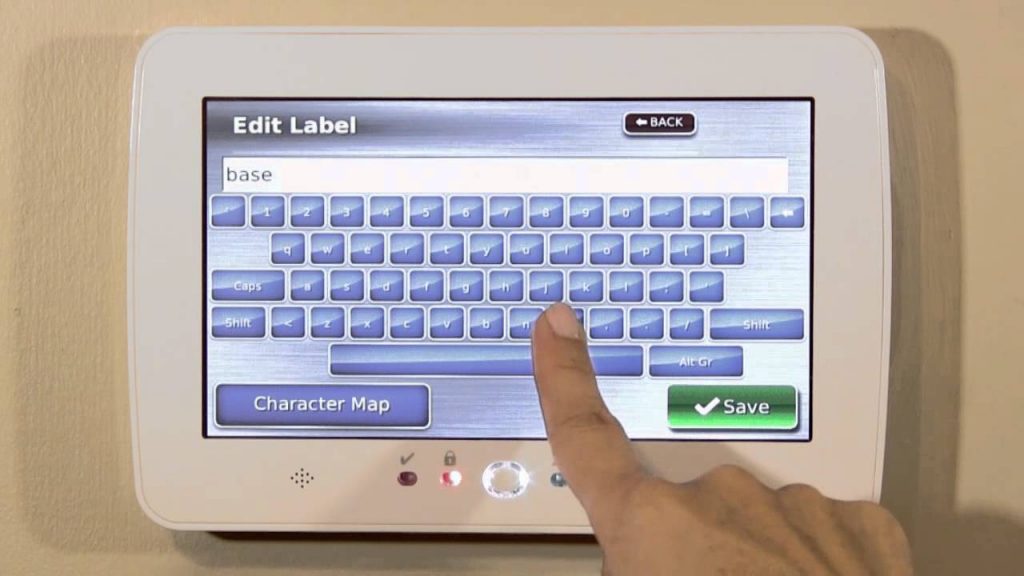
Contacts, motion sensors, keypads and monitoring. Answers whether anyone is inside when they should not be, and calls somebody about it.
Intercom and entry
Door stations and video entry. Answers who is at the door before it opens, which matters most for staffed receptions and after-hours deliveries.
Bought together they interlock: an alarm event pulls up the camera covering that door, and a badge swipe at the back entrance is attached to the footage of the person who used it. Bought separately they rarely do.
Sizing it to the business you actually run
There is no correct number of cameras. There is a correct answer to a short list of questions, and the design follows from it.
- What has actually gone wrong here? Break-ins, shrinkage, disputes with customers, slip-and-fall claims, staff safety and delivery disputes all point to different camera positions. A system designed for theft looks nothing like one designed for liability.
- Which doors matter? Front, back, stockroom, server closet, cash room. Most businesses need access control on three or four doors, not on all of them.
- Who needs to see it, and from where? One manager on site is a different design from an owner checking four locations from home on a Sunday.
- How long must footage last? Fourteen days covers most incidents. Thirty to ninety days is common where insurance or licensing requires it, and it roughly doubles the storage.
- Who fixes it in two years? The question people skip, and the one that decides whether the system is still working in 2029.
If you run a store, practice, workshop or small office rather than a campus, the small business security systems page covers the smaller end of this in more detail, including what a realistic first system costs.
Commercial alarm systems and who answers them
An alarm has two halves that get confused with each other. The equipment detects. The monitoring center responds. You can have excellent equipment reporting to nobody, which is a loud noise in an empty parking lot, and you can have modest equipment reporting to a good center, which gets police dispatched.
For most commercial premises the useful configuration is perimeter contacts on every external door, motion detection covering the internal routes an intruder must take, a keypad by the staff entrance, cellular backup so cutting the phone line achieves nothing, and video verification so the monitoring center can see whether it is a burglar or a cleaner before anyone is dispatched. Video verification matters more than it sounds: many jurisdictions deprioritize unverified alarms, and false alarm fines are real.
We cover this properly on the commercial alarm monitoring page, including how contracts and takeover of an existing alarm work.
Office security systems: what a normal office actually needs
Most offices are over-quoted. An office security system is usually four modest things done properly rather than one large thing done expensively: control of the front door, a camera on each entrance, an alarm that reaches somebody out of hours, and a way to stop a departed employee getting back in.
- The entrance — one controlled door beats six uncontrolled ones. Start there.
- The server or comms room — the highest-value room in most offices and the one most often left on a standard key.
- Reception and the back door — cameras positioned at face height on the routes people must walk, not mounted high where they record the tops of heads.
- Out-of-hours cover — an alarm that calls a monitoring center, not one that simply makes a noise in an empty building.
Commercial alarm monitoring: who actually answers
Commercial alarm systems are sold as hardware and bought as a response. The panel, contacts and sensors detect; a monitoring center staffed around the clock decides what to do. Excellent equipment reporting to nobody is a loud noise in an empty parking lot.
The change worth knowing about is video verification. False-alarm rates pushed many jurisdictions into deprioritizing unverified alarms, charging for repeat activations, or requiring verification before dispatch. A verified alarm sends the operator a clip from the camera covering that zone, so a real event is dispatched with a description and a non-event is stood down without a fine.
Also non-negotiable: cellular backup. An alarm reporting only over a phone line or broadband stops reporting the moment either is cut, and both are cut from outside the building.
What we install and support across North and South Carolina
Business security systems, commercial alarm systems, access control, video and intercom, installed and serviced by our own technicians — including takeover of systems installed by somebody else, which is a more common call than you might expect.
Authorized · Certified · Carolinas
Authorized dealer, certified installer and integrator — the Carolinas
360 Mobile Vision designs, installs and supports small business and office security systems for businesses throughout North and South Carolina. We are an authorized dealer for the manufacturers we fit, which is what separates a supported system from a box bought online with nobody to call.
- DealerGenuine equipment, correct licensing and a real manufacturer support path.
- InstallerOur own certified technicians survey, cable, mount, program and commission the system.
- IntegratorNew work joined to whatever is already installed — cameras, doors, network, identity.
- Still here afterwardsRepairs, maintenance, expansion and takeover of systems installed by others. Emergency support around the clock.
Related services, products and planning guides
Access Control Installation
Use the Access Control Installation guide to compare compatible equipment, integrations, deployment choices and lifecycle responsibilities related to this project.
Burglar & Intrusion Alarm Systems
Use the Burglar & Intrusion Alarm Systems guide to compare compatible equipment, integrations, deployment choices and lifecycle responsibilities related to this project.
Commercial
Use the Commercial guide to compare compatible equipment, integrations, deployment choices and lifecycle responsibilities related to this project.
Manufacturing
Use the Manufacturing guide to compare compatible equipment, integrations, deployment choices and lifecycle responsibilities related to this project.
Retail
Use the Retail guide to compare compatible equipment, integrations, deployment choices and lifecycle responsibilities related to this project.